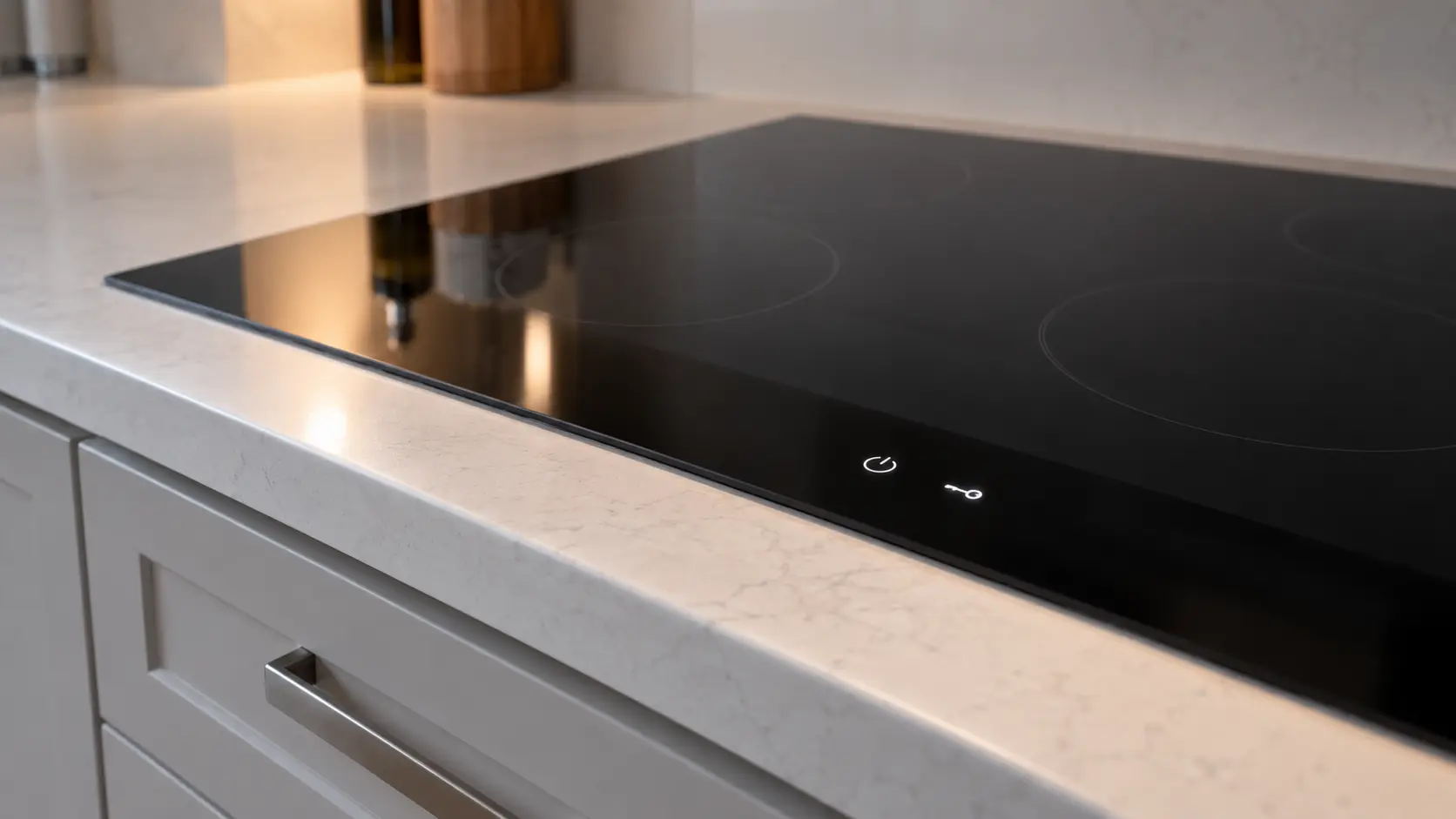
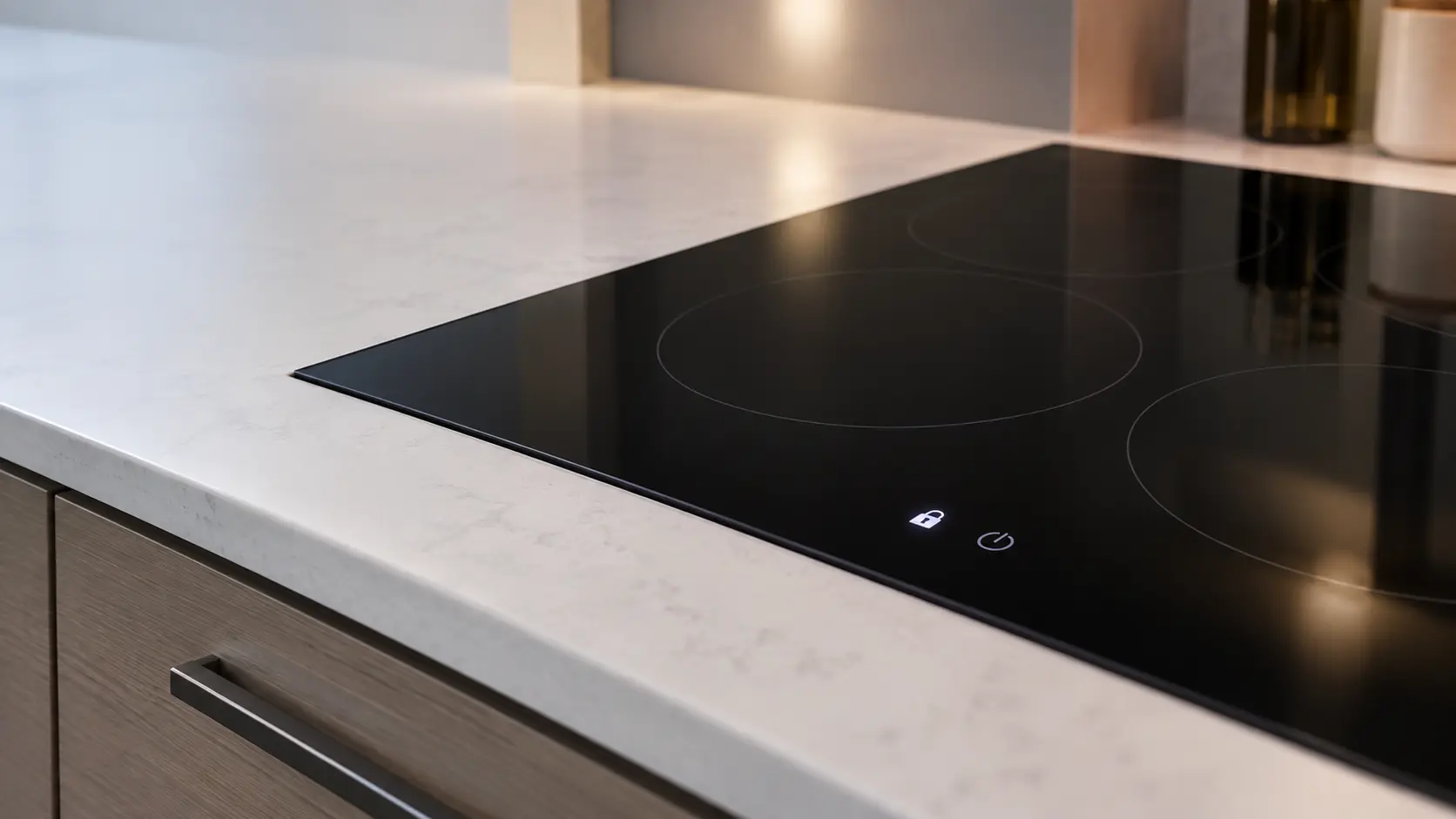

GE cooktop with the lock light on
On GE knob-control electric cooktops and GE gas cooktops that have a control lock knob, a glowing indicator shows the cooktop is locked.
Mon–Sat, 8am–8pm
- Mode, not a failure
- No repair needed
- Source: GE
Book a visit
Three short steps, about a minute.
or call (844) 252-4077
Loading appointment form…
The appointment form couldn’t load. Please try again.
What Lock light
actually means.
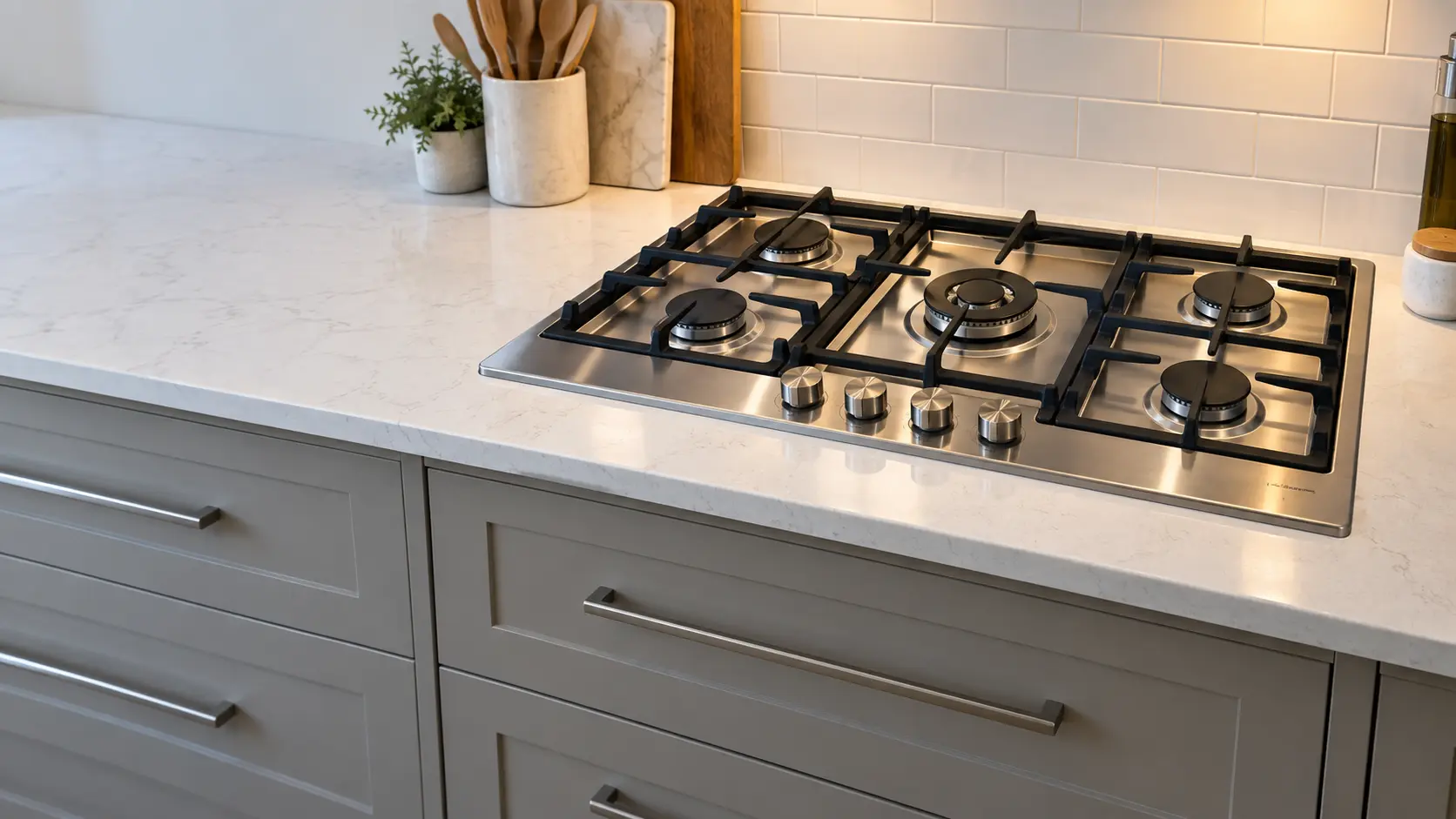
On GE knob-control electric cooktops and GE gas cooktops that have a control lock knob, a glowing indicator shows the cooktop is locked. On the gas models GE adds that gas flow to the burners is blocked, so the igniters spark when a knob is turned but no flame appears.
GE cooktop display
What to do when Lock light shows on the cooktopKind of codeMode, not a failure
A state the cooktop was put in, or one it picked deliberately — a child lock, a demo mode that lights the keys but heats nothing, a residual-heat letter over a zone that is still warm, a prompt that no pan has been found. Nothing has broken and no part is called for.
Usually leads toNo repair
Turn the control lock knob back to Unlock; on the electric models you press and turn it.
Shows up asCooktop Burner Won't Light
The igniter clicks but the gas never catches, the burner lights only after several tries, or nothing happens at all when the knob is turned.
MakeGE
GE Appliances' core brand, which lists electric, gas and induction cooktops on its US site.
SourceGE radiant cooktop owner's manual (JP3530)
GE knob-control radiant cooktops (for example JP3530) and GE built-in gas cooktops with a control lock knob, on some models.
Before you book,
in this order.
Each step comes from GE's own guidance for Lock light on its cooktops. Follow it to the end: the last card says whether this is a visit.
Turn the control lock knob back to Unlock; on the electric models you press and turn it.
Try a burner or element again.
If the light stays on with the knob at Unlock, book a visit.
Cleared?
The cooktop came right without a new part. If the same message returns while a zone or burner is on, or the top shuts itself down again mid-meal, treat it as a fresh problem and book it.
What not to do
A GE gas burner that sparks without lighting while the lock light glows does not have a bad igniter. The lock is doing what it was designed to do.
What you may
notice with it.
The cooktop problems Lock light tends to arrive with. Answer these at the cooktop before anyone is booked.
All problems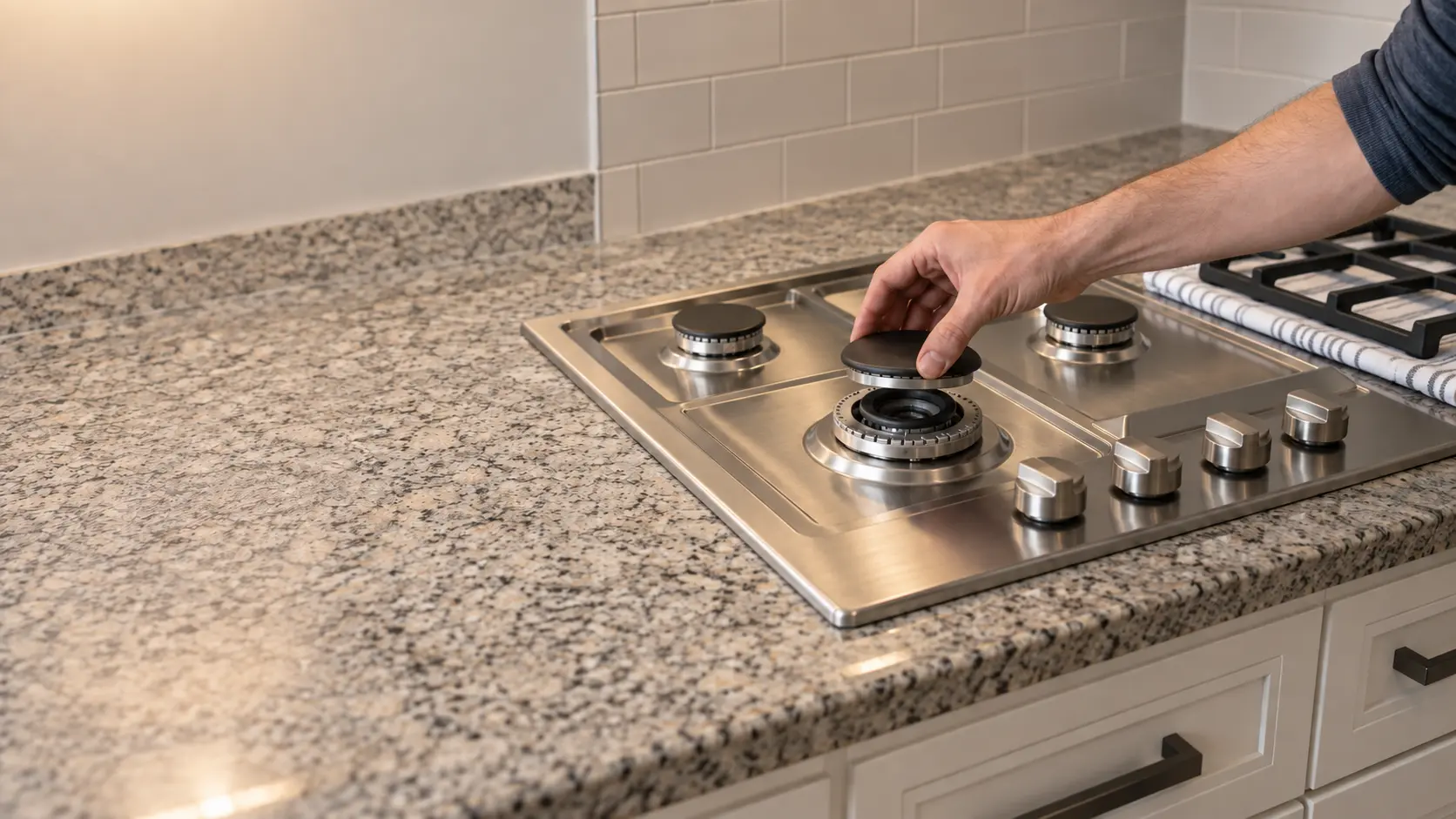
No repair indicated
Nothing to repair.
A state the cooktop was put in, or one it picked deliberately — a child lock, a demo mode that lights the keys but heats nothing, a residual-heat letter over a zone that is still warm, a prompt that no pan has been found. Nothing has broken and no part is called for.
GE
cooktops.
GE Appliances' core brand, which lists electric, gas and induction cooktops on its US site.
GE cooktop repairMore GE codes
Mode, not a failure on other makes
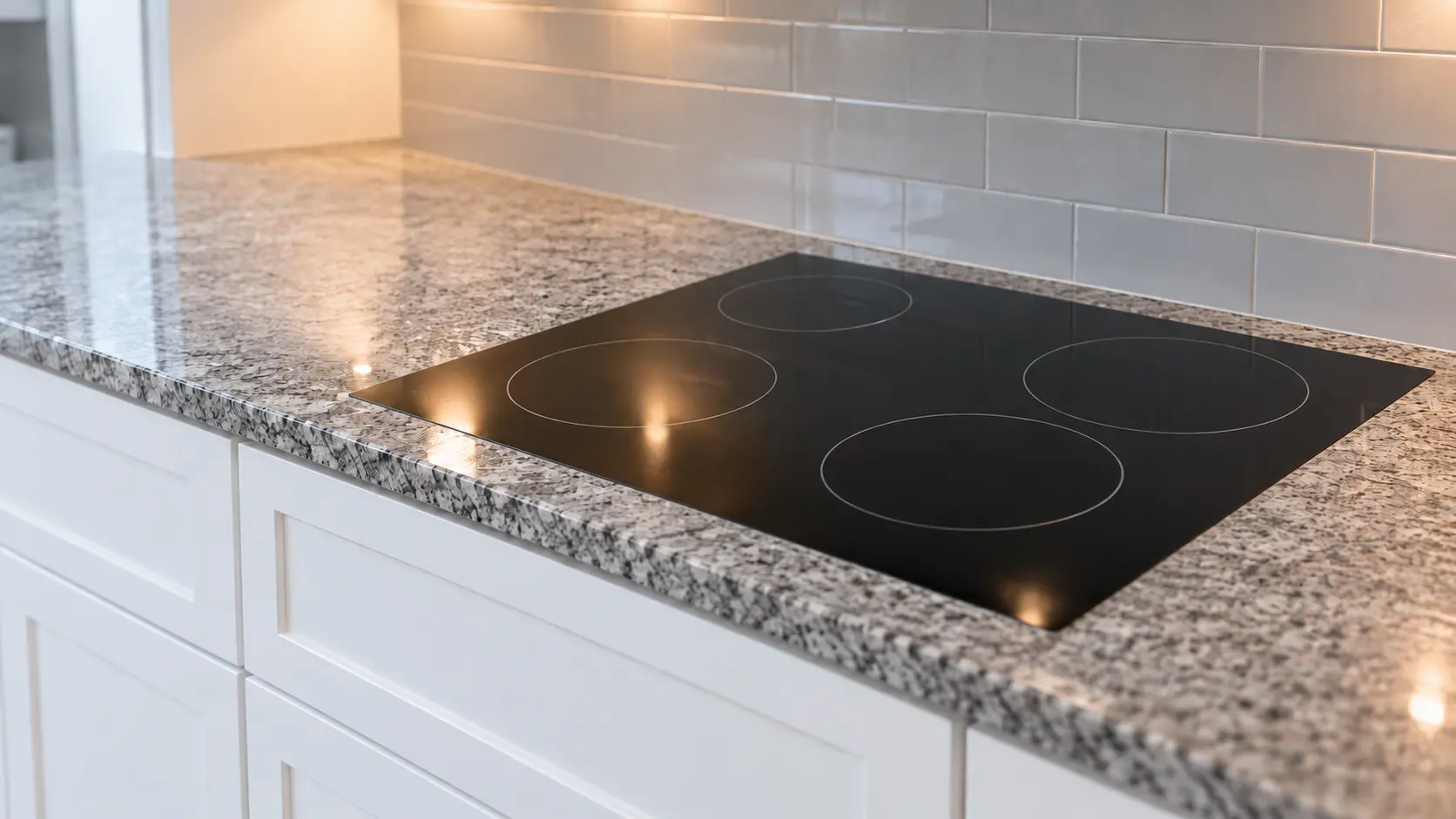
In GE's own words
An indicator light will glow to show that the cooktop is locked.
Every code on this site is taken from the manufacturer's documentation, never from a forum or a parts listing. GE knob-control radiant cooktops (for example JP3530) and GE built-in gas cooktops with a control lock knob, on some models.
GE Lock light cooktop repair,
where we come out.
The same visit in every metro below: the code, the model number, and a diagnosis before any part is ordered.
All service areasTampa BayFL · 31 areas
Miami / South FloridaFL · 47 areas
New York MetroNY · 75 areas
HoustonTX · 36 areas
ChicagoIL · 50 areas
Los AngelesCA · 95 areas
San DiegoCA · 31 areas

Questions
about Lock light.
Can I clear Lock light myself?
Why does my GE gas cooktop click but not light?
How do I unlock a GE cooktop with a lock knob?
Does the lock light on a GE JP3530 knob cooktop mean the same as on a GE gas cooktop?
Back to your everyday
Still showing Lock light?
Book with the code copied exactly, the full model number, and whether there is any smell of gas or burning — with a code in hand, that is where the diagnosis starts.