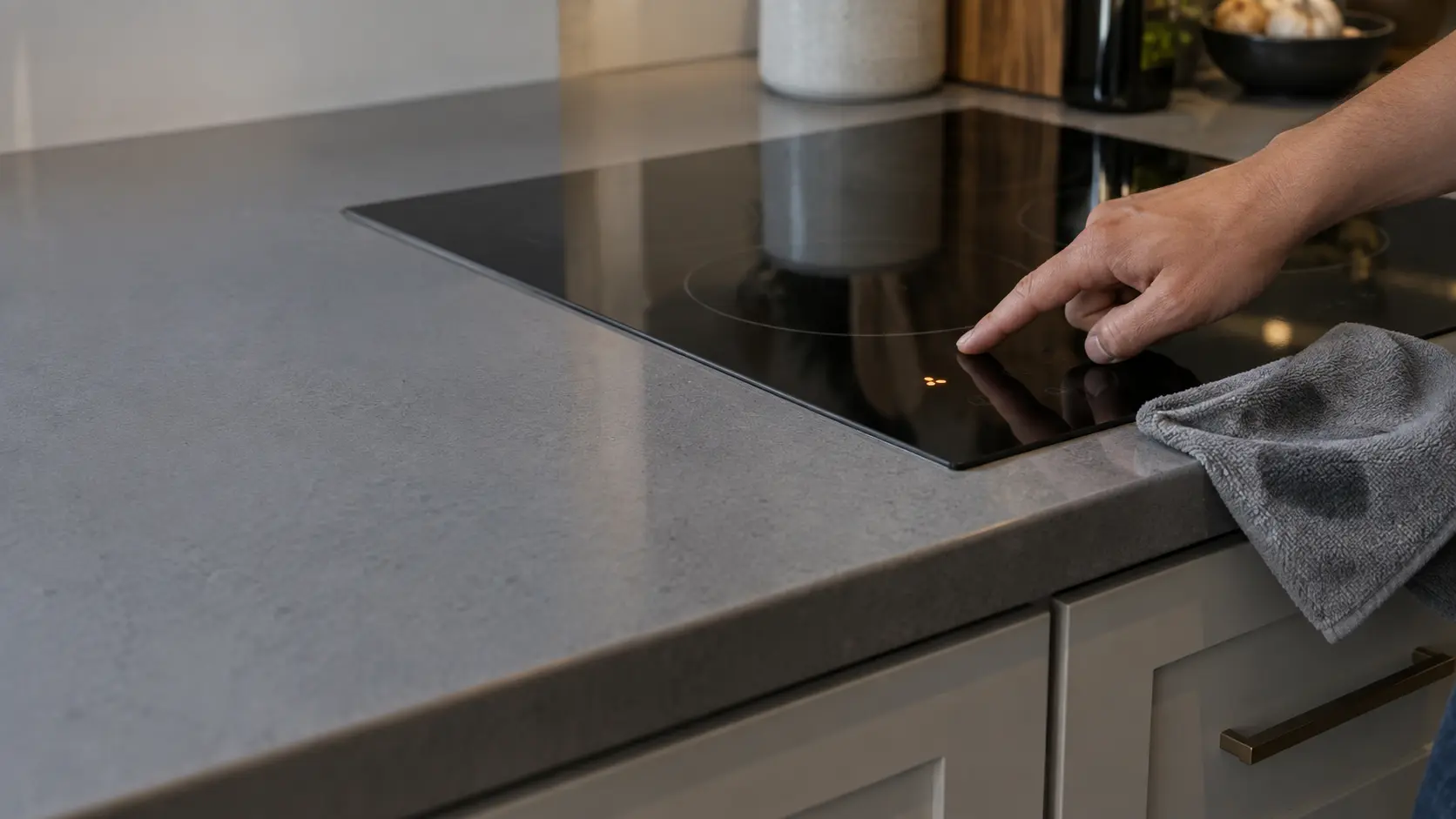


Cooktop
Controls Unresponsive
Touch keys or a slider do nothing, the display lights but ignores every press, or a knob turns without starting its burner or element.
Mon–Sat, 8am–8pm
- 5 checks before you book
- 5 questions that narrow it
- 5 causes, cheapest first
Book a visit
Three short steps, about a minute.
or call (844) 252-4077
Loading appointment form…
The appointment form couldn’t load. Please try again.
What it
usually means.
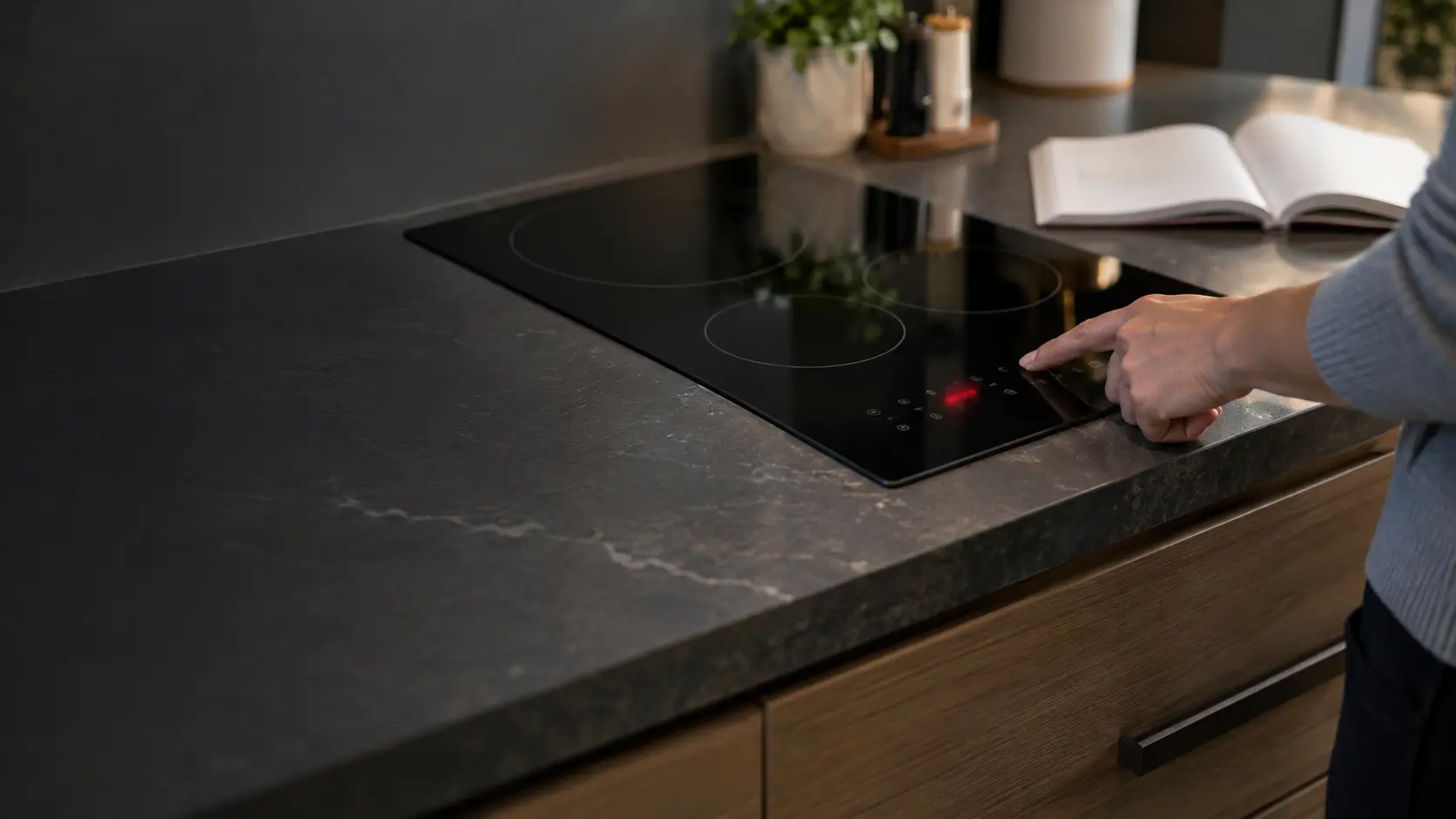
Many radiant and induction cooktops are run by touch keys under the glass, and those keys are built to ignore input they cannot trust: water, a wet cloth or a pot parked on the keys will lock them out. A control lock, a showroom mode, or a cooktop that shut itself off after a set time can also look unresponsive. When none of that applies, the touch board, a ribbon cable, or the power supply to the control is the likely cause. On knob-controlled cooktops, a knob that does nothing usually means a broken knob, switch or valve stem.
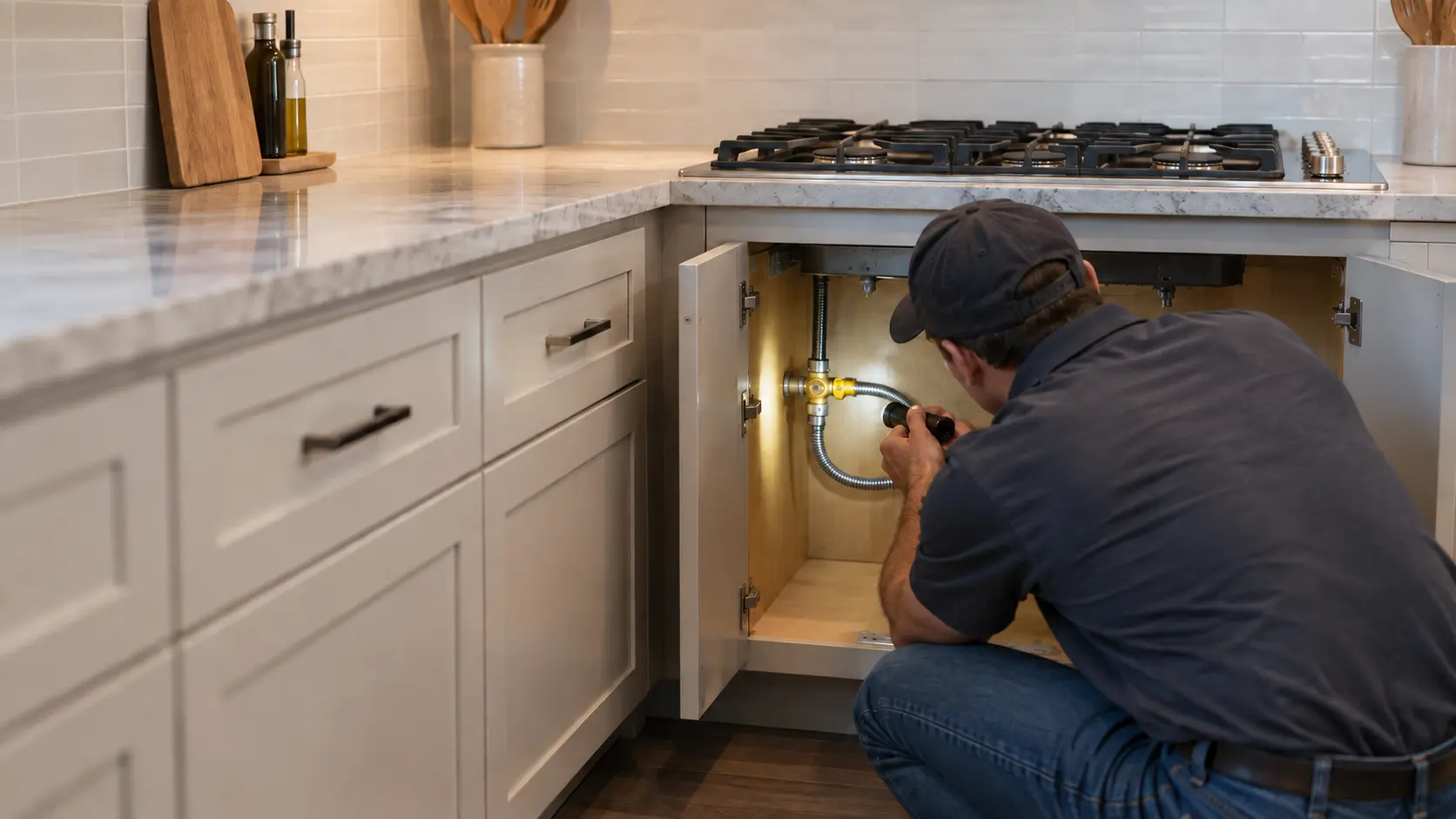 The 5 causes, cheapest first
Answer these first
Is a lock symbol or a key symbol showing on the display?
Is the glass over the controls dry and free of pans and cloths?
Do some keys respond while others do not?
Does the display light up at all?
Did it begin following an outage, a spill or a wipe-down?
Check these
before you book.
Cooktop controls unresponsive: 5 checks, and none of them costs anything.
Dry the glass over the controls and take any pans and cloths off it.
If a padlock symbol is lit, press and hold the lock key for the time given in the manual.
If any zone heats while the controls ignore you, switch off the breaker and leave it off.
Also worth checking
- Turn the breaker off for a few minutes, then back on, to reset the control.
- Note which keys or knobs respond and which do not.
How soon does it need a visit?
Unresponsive controls are not urgent on their own; try the lock and dry the glass first. It is urgent if a zone keeps heating while the controls ignore you: switch off the breaker and book a visit.
The causes,
cheapest first.
5 things cooktop controls unresponsive turns out to be, from control lock switched on to touch control board failed.
The cost guide-
01 no repair
Control lock switched on
Most touch cooktops have a lock key that must be held for a few seconds to release. The manual gives the key and the time for your model.
-
02 no repair
Water or a pan on the touch area
Liquid, steam condensing on the glass or a pot left over the keys makes the control ignore input or shut down. Dry the area and clear it.
-
03 low
Knob cracked on its stem
A knob that spins freely has split inside and no longer turns the switch or valve behind it.
-
04 low
Ribbon cable or connector loose
The touch board and the power electronics are joined by cables that can work loose or corrode, especially after a spill.
-
05 moderate
Touch control board failed
A board whose sensing circuit has failed stops answering some or all keys, even dry and unlocked.
-
What it costs
Every repair on the site's cost scale, side by side
Open the cost guide
What else
it could be.
Most often confused with cooktop error code, then cooktop burner or element won't turn off.
All problemsCodes that come with it
ER03Bertazzoni · Touch controls and keysER21Bertazzoni · Temperature and overheat sensorsU400Bertazzoni · Induction power and coilsLBertazzoni · Mode, not a failureEBlueStar · Boards and communicationEr03BlueStar · Touch controls and keys
Also related


The makes
it happens on.
29 makes on this site; cooktop controls unresponsive can show up on any of them. Each mark opens that make's own page.
All 29 brandsCooktop Controls Unresponsive,
where we come out.
9 metros, each with its own page.
All service areasTampa BayFL · 31 areas
Miami / South FloridaFL · 47 areas
New York MetroNY · 75 areas
HoustonTX · 36 areas
ChicagoIL · 50 areas
Los AngelesCA · 95 areas
San DiegoCA · 31 areas

Questions about
cooktop controls unresponsive.
How can I tell if my cooktop is locked?
Why do the controls stop working when I wipe the glass?
Can a power outage affect touch controls?
Can the touch panel be replaced without new glass?
Back to your everyday
Still seeing cooktop controls unresponsive?
Book with what you checked above — 5 answers save the technician the first part of the visit.