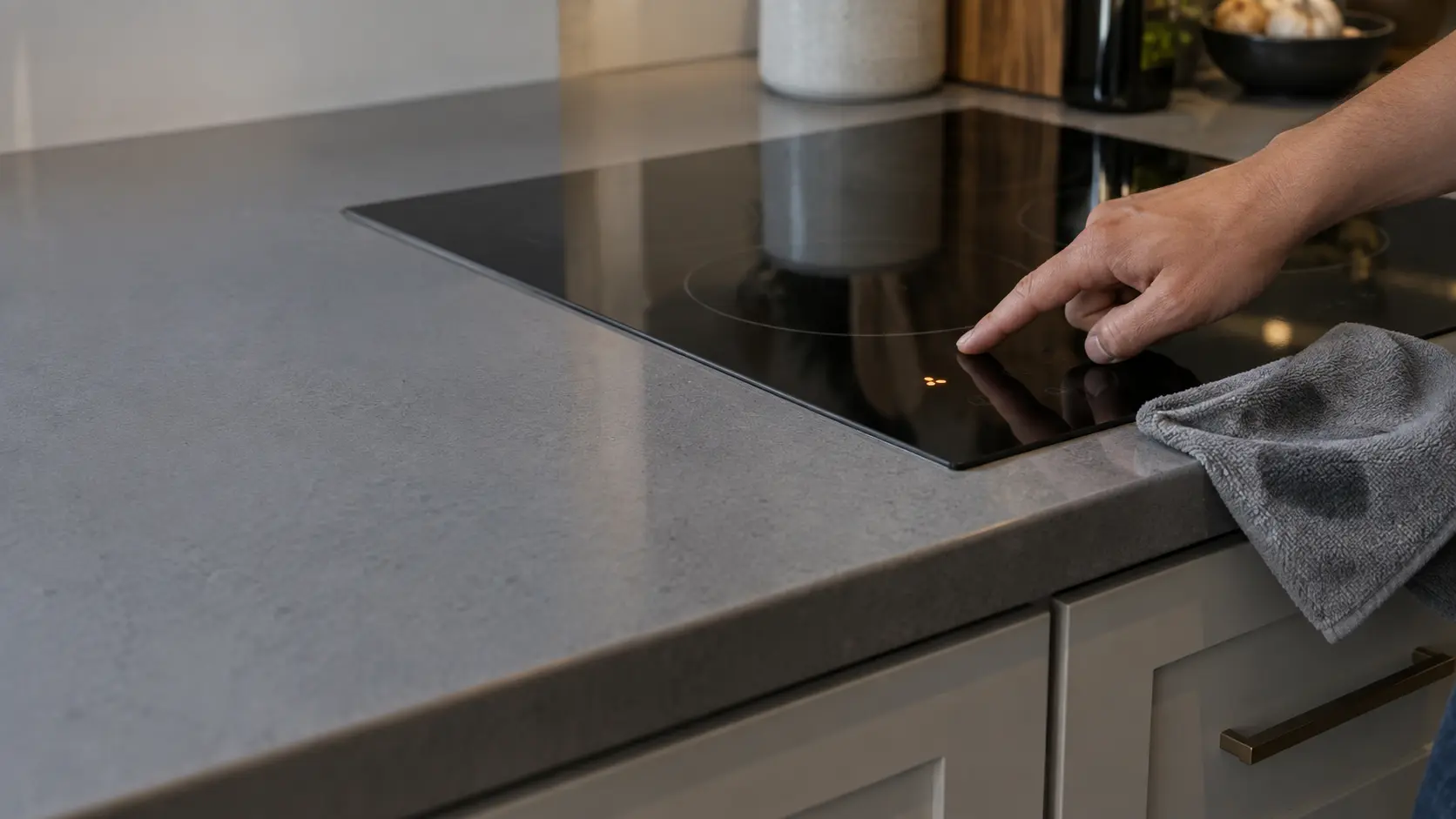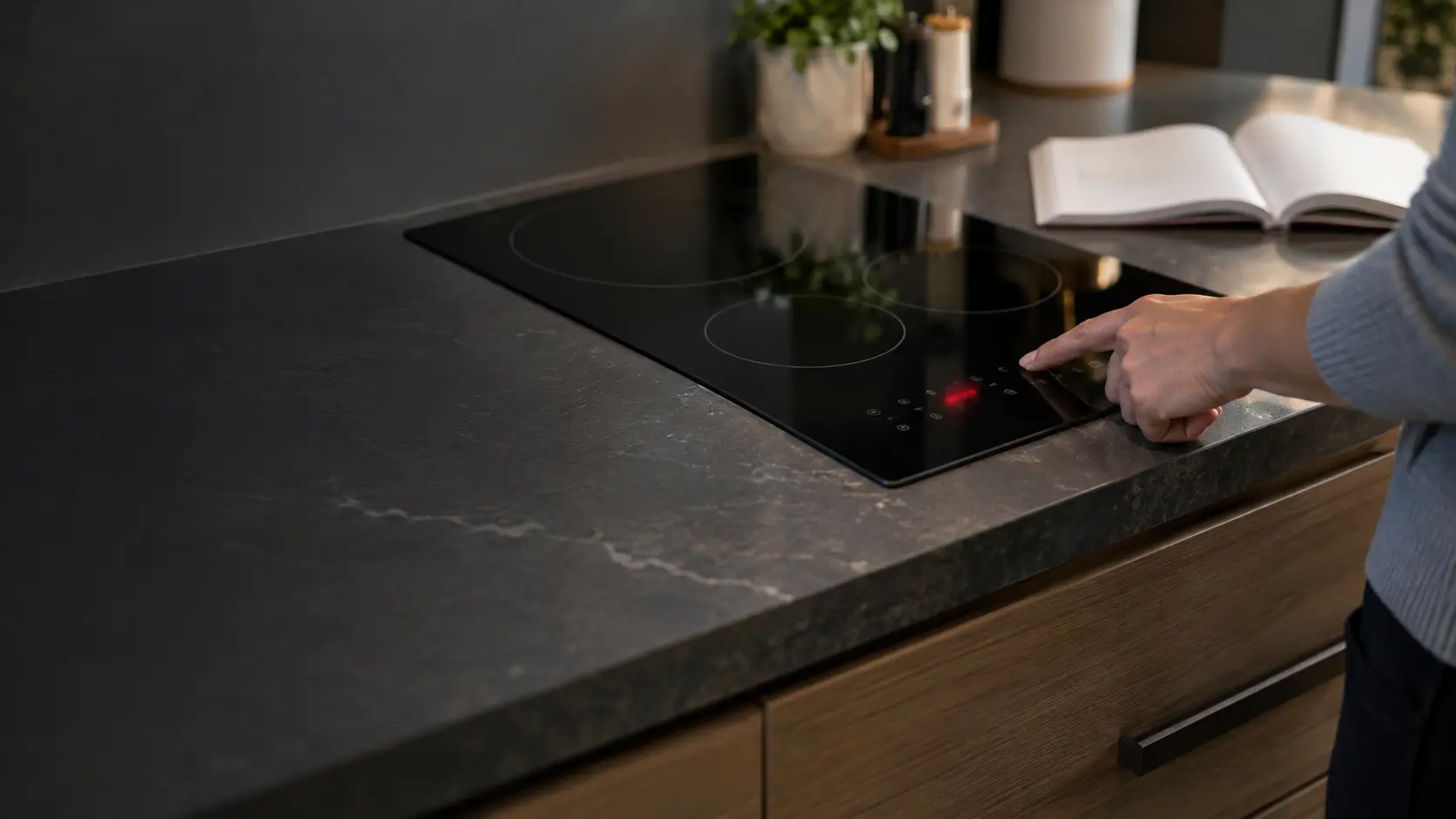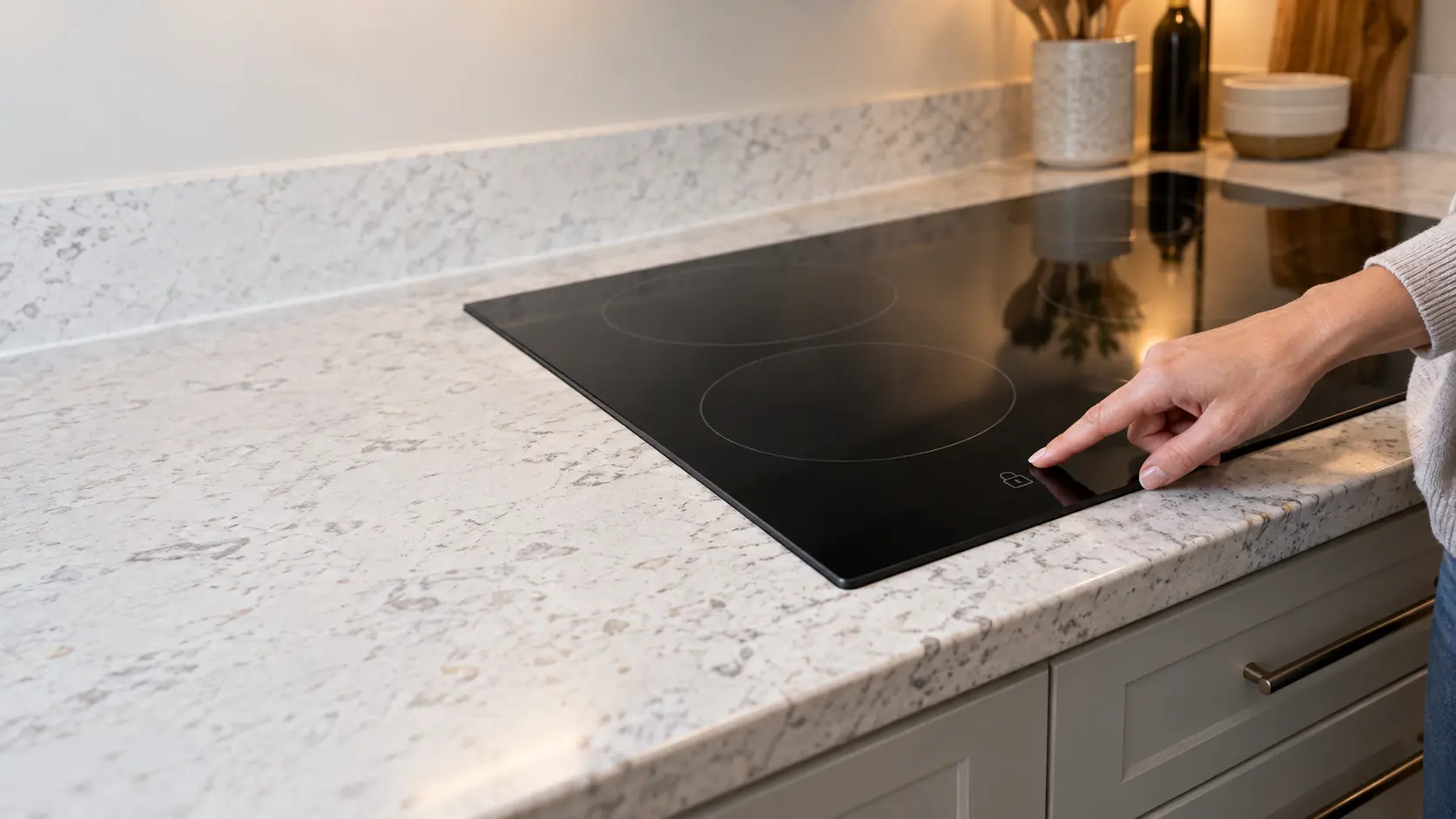

What the cooktop control lock actually blocks
The cooktop control lock is a software setting on the touch board. With it on, the board ignores the keys that would start a zone or raise its power, and shows a padlock, a key symbol or a lit word next to the lock pad. Nothing mechanical is latched, and nothing has failed, which is why a breaker reset is not the first move.
Makers differ on what stays live. Whirlpool says that if the lock is set while a zone is running, every key is locked out except power and off, so a pan can still be switched off in a hurry. If it is set while the cooktop is off, no zone can be started from the touch keys at all. GE's FAQ describes its lock as a way to clean the panel without switching anything on.
What makers call it
The same feature appears as control lock, key lock, child lock, lockout and cooktop lock, and on some models it shares a pad with a timer or a wipe-clean pause. The owner's manual is the only reliable guide to which pad and which gesture, so keep a copy, or the model number to download one, near the kitchen.
Source: Whirlpool — Lock, Electric and Induction Cooktop — Touch and hold LOCK for 3 seconds; locked while on leaves only Power and Off active; locked while off blocks all zones; breaker off one minute, on, watch one minute; GE Appliances — Induction Cooktop FAQs — Lockout prevents accidental activation when cleaning the controls; touch and hold for five seconds
Releasing the lock, maker by maker
The gesture is nearly always one of three: a long press, a double press, or a press combined with the power key. Try them in the order below, with dry, clean fingers and nothing lying on the glass. Touch with the flat of a fingertip rather than a nail, and give each attempt a few seconds before the next.
- Touch and hold the lock pad for 3 seconds; this is Whirlpool's method for its electric and induction cooktops, which confirms with a tone or the light going out.
- Hold for 5 seconds if 3 does nothing; GE's induction FAQ uses the longer hold.
- Press the lock pad twice within 3 seconds; an older GE induction manual uses this double press both to lock and to unlock.
- On some models, press power first so the display wakes, then hold the lock pad.
Locked after a power cut
That GE manual also describes its induction cooktop lighting the lock indicator whenever it is first connected or power is restored after a failure, and staying locked until the pad is pressed. Other models remember the lock only if it was on before. If the cooktop has just come back from an outage or a breaker reset and a padlock is showing, unlocking is the whole fix.
Gas cooktops with an electronic lock
Some gas cooktops with knobs also carry an electronic lock for the ignition. Whirlpool notes that turning a knob with such a lock on still produces clicking and sometimes sparks, yet the burner stays unlit. Their lock key sits on a small touch strip, usually at the front or side of the burner area, and releases the same way.
Source: Whirlpool — Lock, Electric and Induction Cooktop — Touch and hold LOCK for 3 seconds; locked while on leaves only Power and Off active; locked while off blocks all zones; breaker off one minute, on, watch one minute; Whirlpool — Not Operating Correctly, Induction Cooktop — Key Lock held 3 seconds with a beep and warning light; only ON/OFF works when locked; poor ventilation causes overheating and shutdowns; GE Appliances — Induction Cooktop FAQs — Lockout prevents accidental activation when cleaning the controls; touch and hold for five seconds; GE Appliances — Induction Cooktop Use and Care and Installation Instructions, models JP392R and JP692R (49-8269) — Press CONTROL LOCK twice within 3 seconds to lock or unlock; the cooktop is locked when first connected or when power is restored after a failure

When keys ignore you and the lock is off
Touch keys read a change in capacitance through the glass, so anything conductive lying over them confuses the board. A puddle from a boil-over, steam condensing on the panel, a wet cloth, or a metal pan handle across the key row can block the keys, and many cooktops respond by beeping or switching off entirely for safety. Dry the whole panel, move pans clear of it, and wait a minute before trying again.
Heat is the other common cause. A large pan pushed back against the control area, or a cooktop installed with too little air around it, can warm the board until it limits power or stops responding. Let everything cool, then try again with the pans on their zones and away from the keys.
A power reset that sometimes helps
If the display is frozen, showing a lock that will not clear or a setting that will not change, Whirlpool's reset is to cut the cooktop's circuit for sixty seconds, restore it, and observe the panel for another minute. That reboots the board. A lock that returns by itself immediately afterward, with nobody touching the panel, is a board or key problem.
Source: Whirlpool — Not Operating Correctly, Induction Cooktop — Key Lock held 3 seconds with a beep and warning light; only ON/OFF works when locked; poor ventilation causes overheating and shutdowns
Signs the touch board needs repair
Once the lock is released, the glass is dry and the power has been reset, the remaining causes are inside. Individual keys may stop responding while others work, a key may act on its own and switch a zone on or off, or the display may show a code the manual lists as a key or board error. Write any code down exactly as shown; our error-code pages explain the families these fall into.
A key strip is usually a separate part from the main power board and sits just beneath the glass at the control area, so replacing it means lifting the glass top on most models. That is why the repair belongs to a technician with the breaker off, not to a screwdriver at the counter.
- One or two keys dead while the rest respond.
- Beeping with nothing on the glass.
- Zones starting or stopping on their own.
- A lock that sets itself again straight after a reset.