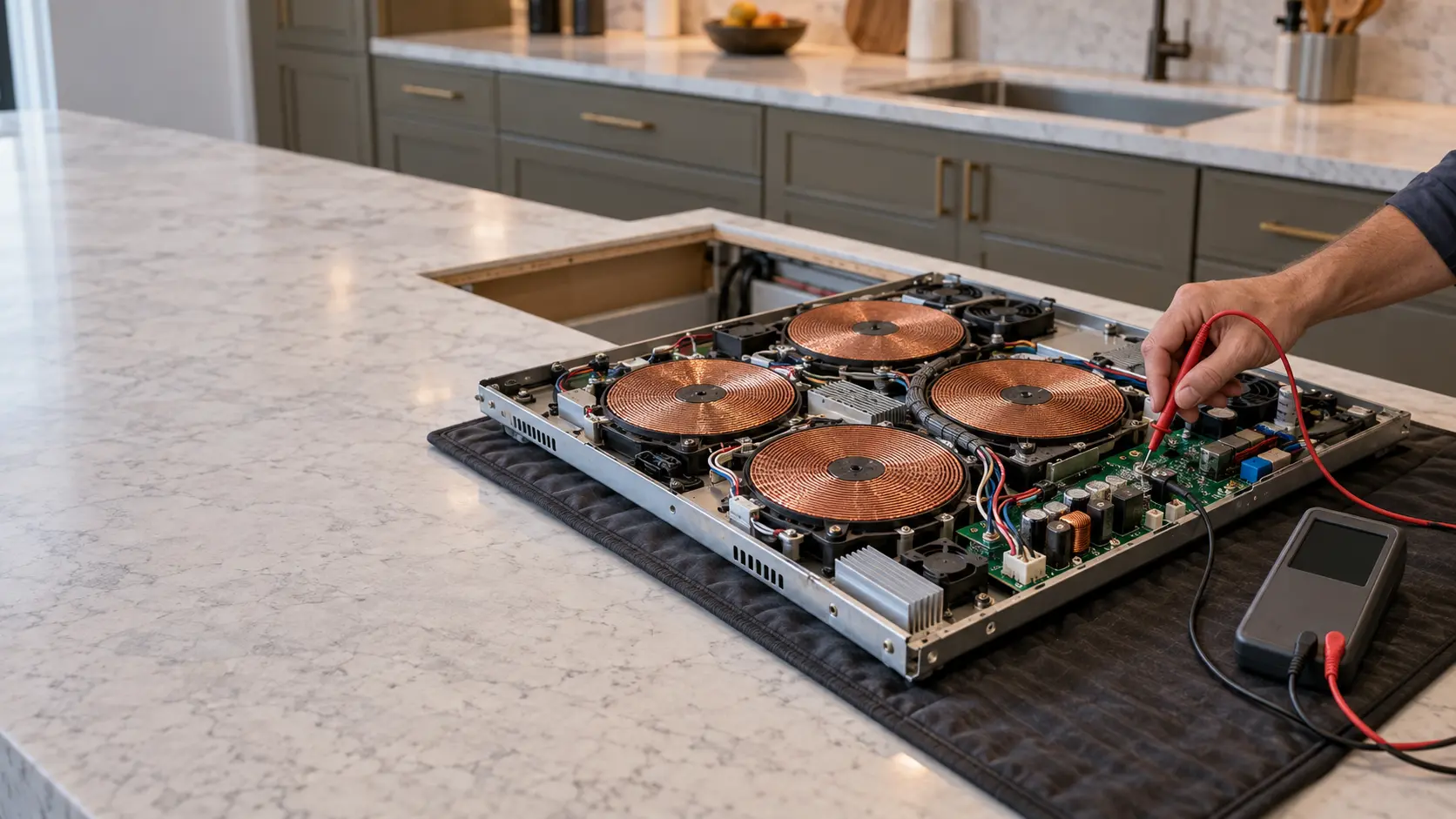
Why does an induction cooktop turn itself off?
An induction cooktop turns itself off because something told it to: the pan, a touch on the controls, heat or the power supply. Unlike a gas flame, it has no steady fire to keep burning, so any of those signals can end the heat within seconds.
The owner's manual for many induction cooktops names the same shutdown causes: the power key touched by accident, an overheating shutdown from poor ventilation, and a pan taken off the burner for too long.
The usual suspects, in order
- The pan lost contact or moved off the zone.
- A hand, towel or spill touched the control or power key.
- The unit got too hot because air could not move around it.
- A tripped breaker or a power interruption.
- A failing board or sensor, which is the least common cause and the last to suspect.
Is it the pan?
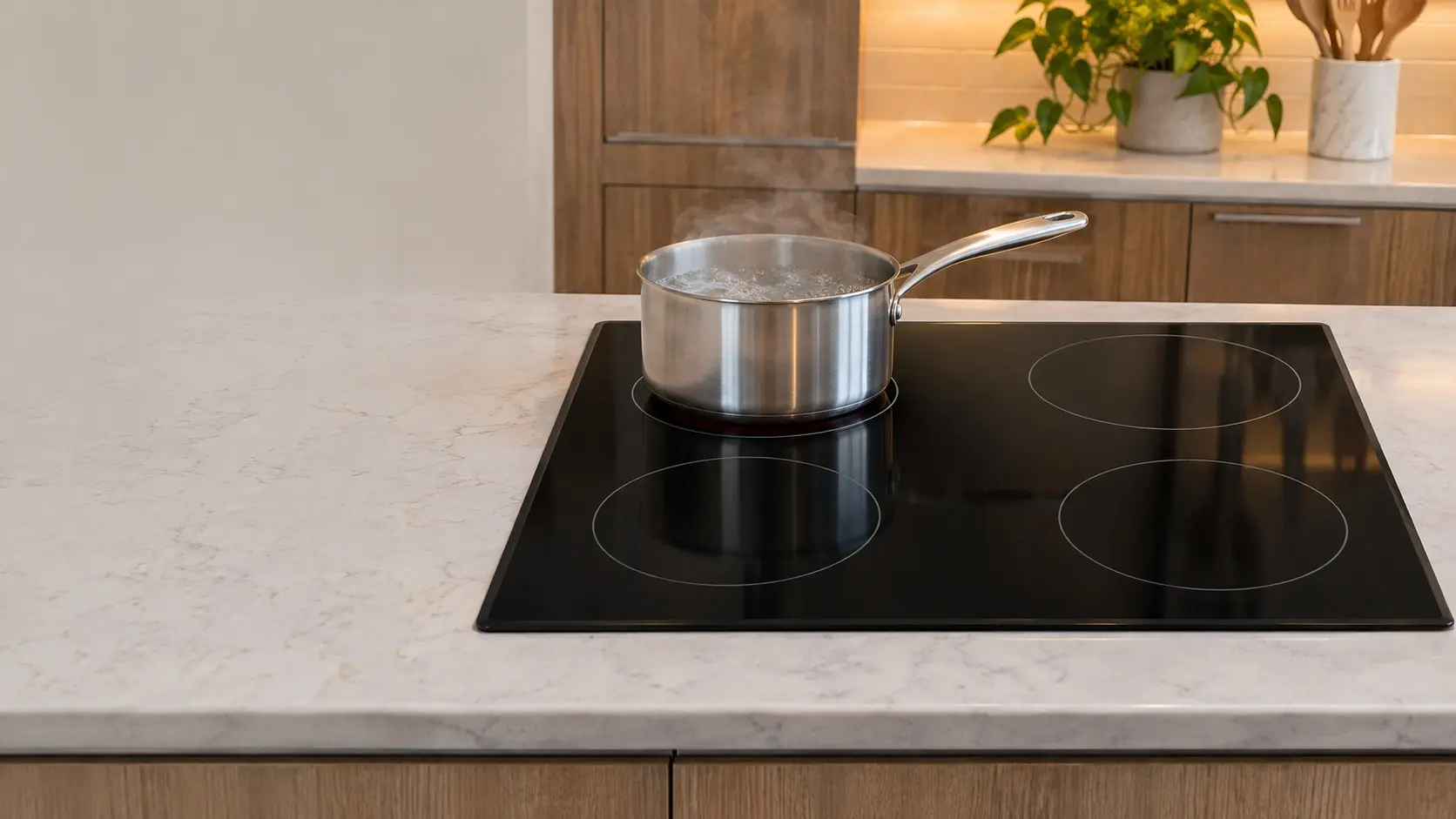
A pan is the first thing to check, because induction heats the pan itself. Many manuals say that a burner left without a pan for a short while shuts off automatically, and that a pan which is not magnetic, too small or off-center will not activate the burner, and the display flashes the power level.
So a pan that is lifted to toss food, swapped between zones or slid around while you cook can end the heating. This is normal, not a failure. Our guide on why induction will not recognize a pan explains cookware in depth.
Quick pan checks
- Hold a magnet to the base of the pan. If it does not grab firmly, the pan is poor for induction.
- Center the pan on the marked circle and keep a flat base fully in contact with the glass.
- Use a zone whose size suits the pan; very small pans may not be detected.
- Keep the pan on the zone: a long gap without it ends the heat.
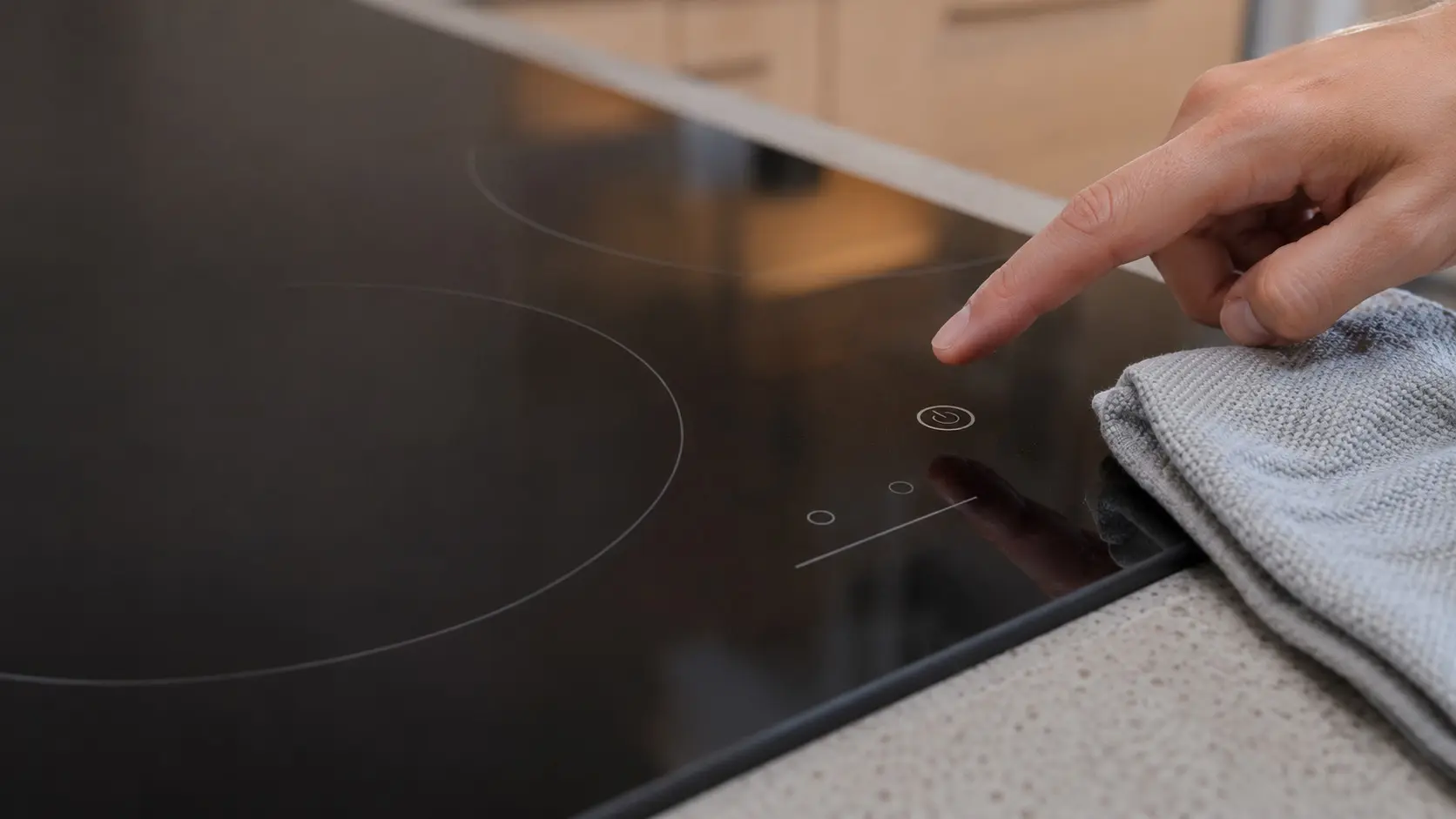
Did the controls shut it off?
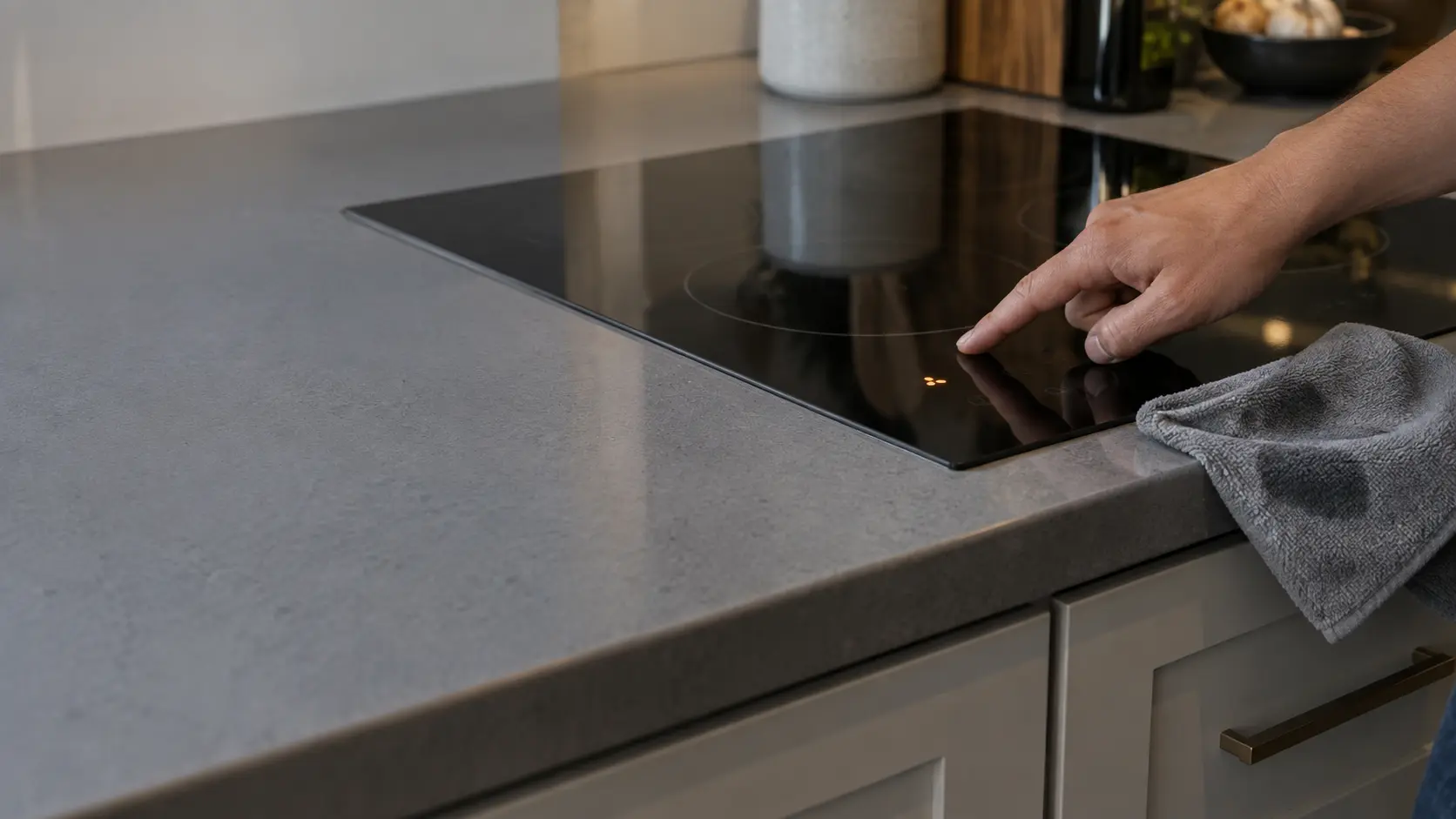
Touch controls respond to anything that feels like a finger. The manual for many models notes that an accidental touch of the power key can turn the cooktop off, and the fix is to press the power key again to reset it.
Water, a damp cloth or a pot handle resting on the glass can trigger the same response. The next habit is to wipe the glass only when the zones are off.
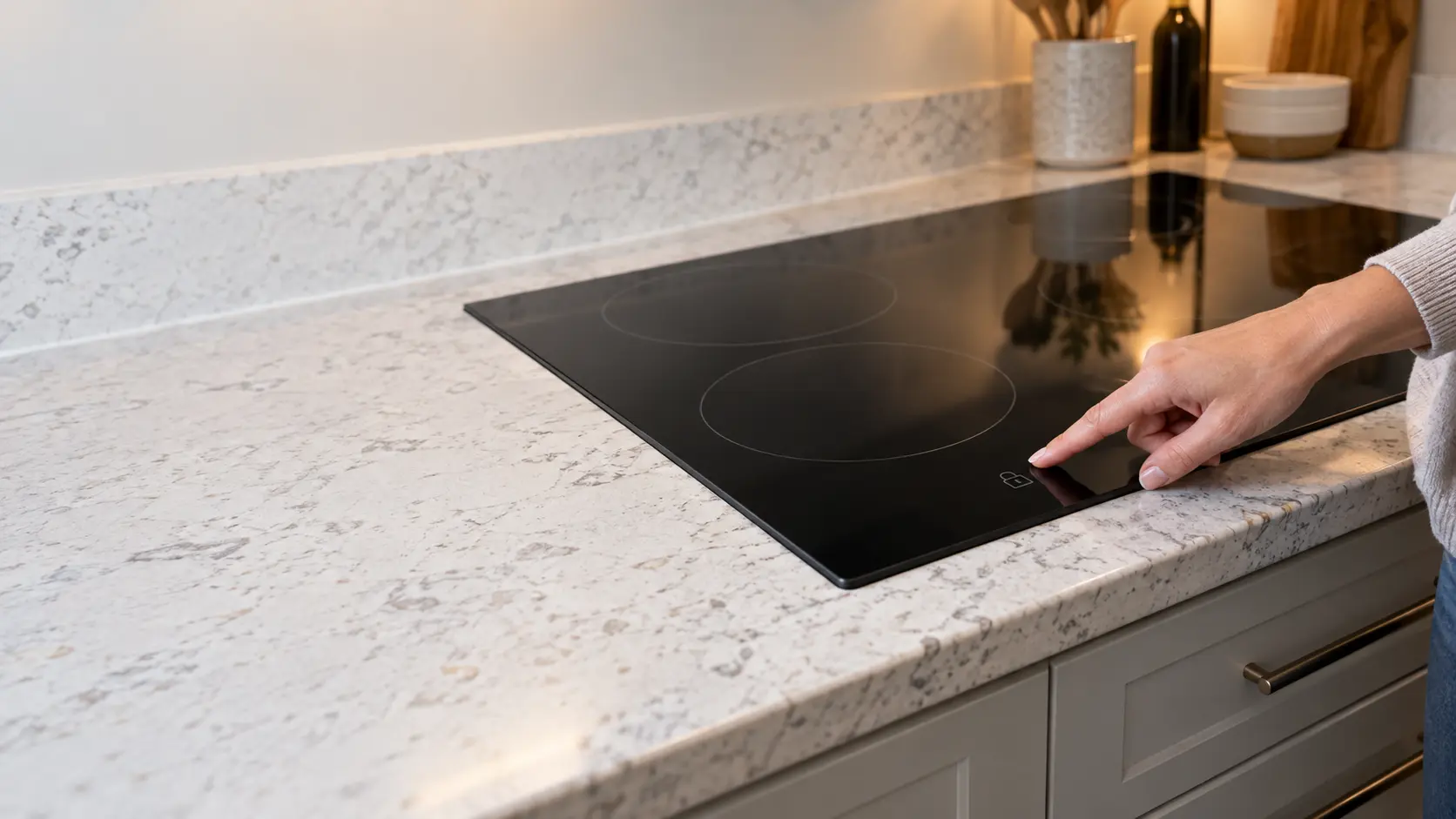
A control lock is a different matter. It does not turn the cooktop off; it locks the controls to prevent accidental activation. Many manuals say to hold the key lock button for a few seconds to release it. If the controls seem dead rather than the cooktop being off, read how to unlock a touch control cooktop.
Also see what the power-sharing rule does. On some models, only one burner on each side can run the top boost level at a time; many manuals say that if you set both, the one set last keeps the boost and the other drops to a lower level. That is a step down, not a shutdown, but it can feel like one.
Is it overheating?
An induction cooktop makes heat in the pan, but its own electronics get warm and must be cooled by moving air. Poor ventilation is a common cause of overheating, shutdown and slow heating or boiling, and the installation instructions for many models list the venting requirements.
What blocks airflow
- A drawer or cabinet built tight under the unit, with the intake or exhaust blocked.
- Items stored below the cooktop that press against the vents.
- A built-in installation that did not leave the clearances in the manual.
- A cooling fan that no longer runs; see cooktop fan runs constantly for the opposite problem.
| Sign | Likely cause | First step |
|---|---|---|
| Shuts off a while after the pan leaves the zone | Pan removed | Keep the pan on the zone |
| Shuts off when you wipe or lean | Accidental touch | Press the power key again |
| Shuts off after long high-power cooking | Heat protection | Let it cool, check airflow |
| Whole cooktop dead, no display | Breaker or power | Reset the breaker once |
| Repeats with a good pan and clear vents | Board or sensor | Book a visit |
Let the cooktop cool completely and try again at a lower power. If it runs on medium and cuts out on the highest settings every time, airflow is the likely cause.
Is it the breaker?
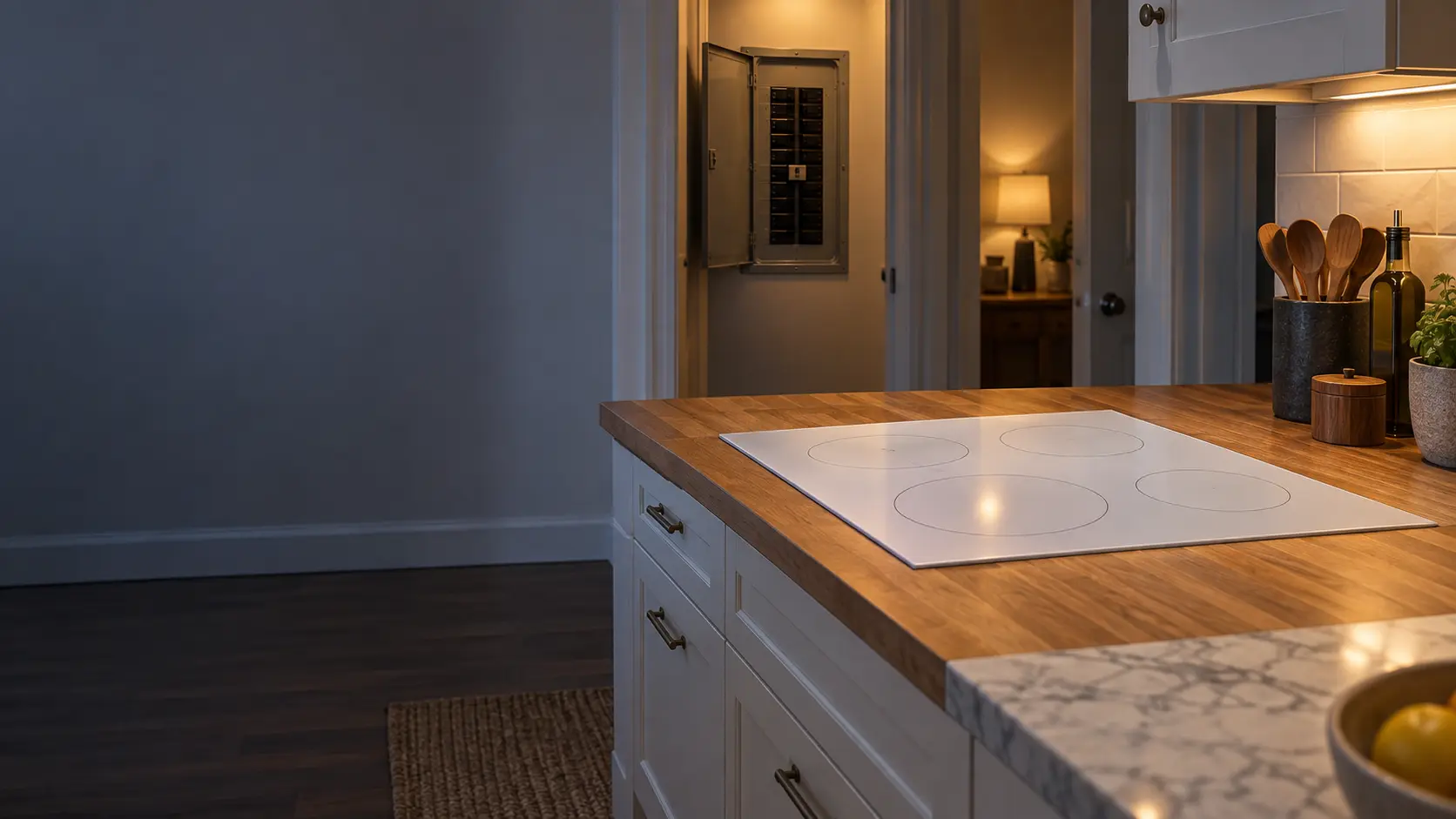
If the whole cooktop goes dark, including the display, check the breaker. a blown fuse or tripped breaker is a common cause of induction burners not working, and the usual reset is to turn the breaker off for a minute, then on.
Do this once. A breaker that trips again is telling you there is a real overload or a failed component, and resetting it repeatedly is not safe. See cooktop tripping the breaker.
A voltage point is worth knowing as well: the manual for many models says a lower supply voltage can leave a pan slow to reach the heat you want, and that a lid helps. That is slow heating, not a problem with the cooktop.
When is it a board or sensor?
It is a board or sensor when shutdowns repeat with a flat magnetic pan, clear vents and a good circuit, and nothing else on this list fits. The usual signs are a cooktop that cuts out at the same point every time, a display that shows a code.
Codes differ between makers, so read the one on yours against the manual and our error codes index. For the repair itself, see induction board and coil repair and the induction cooktop repair page.