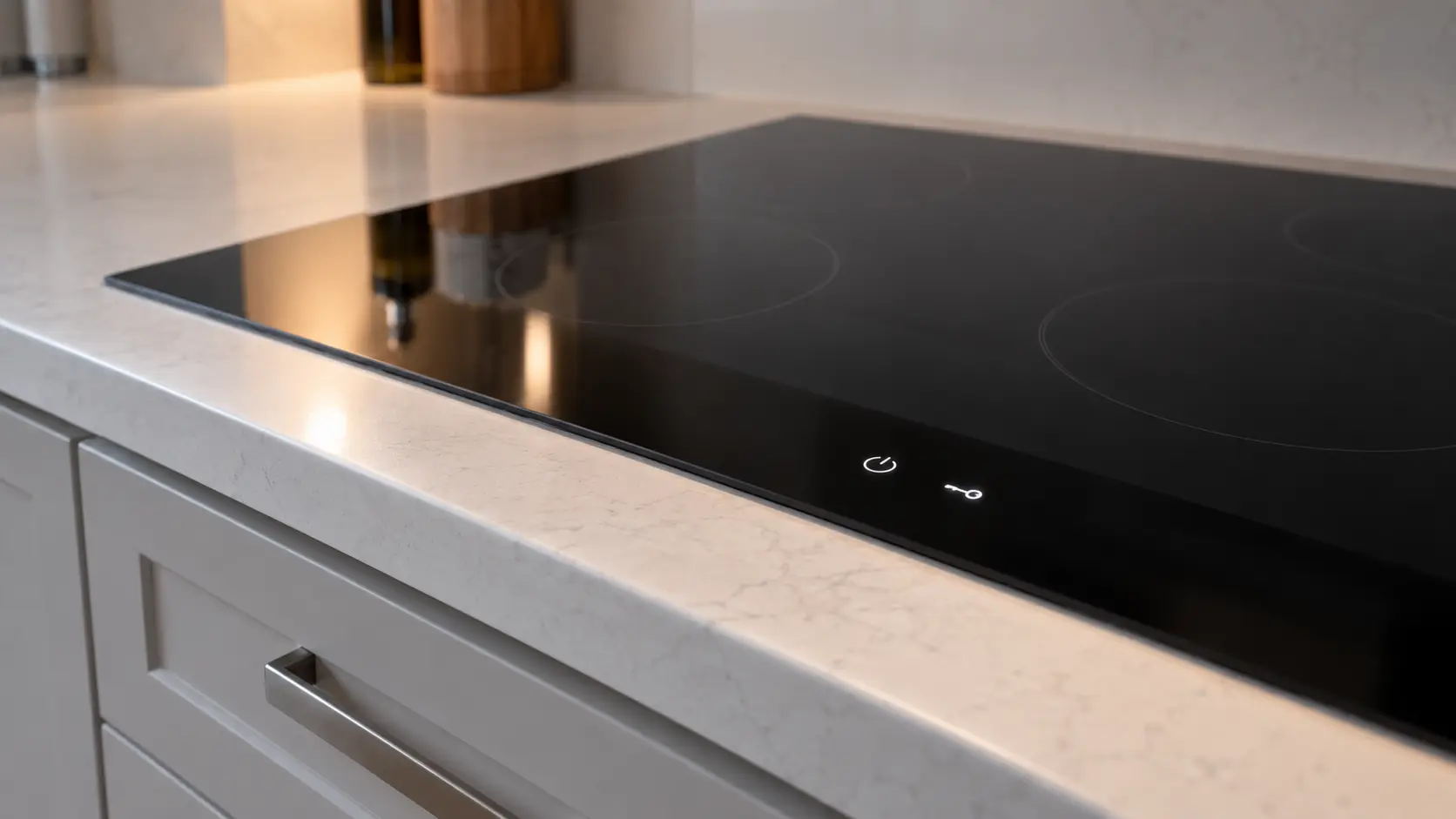
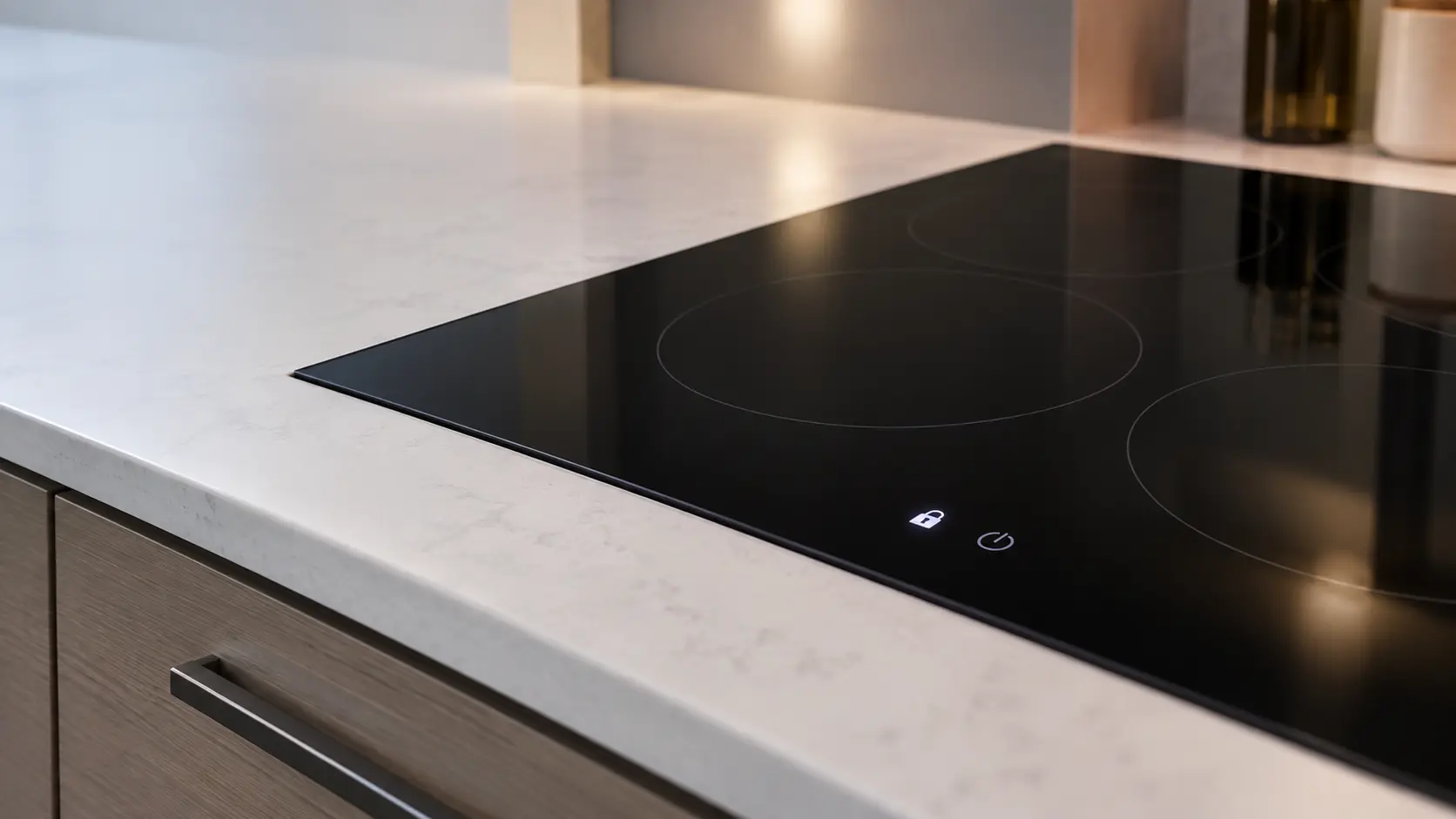

Hestan smart rangetop
showing ER09
ER09 on a Hestan smart rangetop means it failed to connect to the update server, because the network is down, the server address is wrong, or the server is unavailable.
Mon–Sat, 8am–8pm
- Mode, not a failure
- No repair needed
- Source: Hestan
Book a visit
Three short steps, about a minute.
or call (844) 252-4077
Loading appointment form…
The appointment form couldn’t load. Please try again.
What ER09
actually means.
ER09 on a Hestan smart rangetop means it failed to connect to the update server, because the network is down, the server address is wrong, or the server is unavailable.
Hestan cooktop display
What to do when ER09 shows on the cooktopKind of codeMode, not a failure
A state the cooktop was put in, or one it picked deliberately — a child lock, a demo mode that lights the keys but heats nothing, a residual-heat letter over a zone that is still warm, a prompt that no pan has been found. Nothing has broken and no part is called for.
Usually leads toNo repair
Check your Wi-Fi connection.
Shows up asCooktop Controls Unresponsive
Touch keys or a slider do nothing, the display lights but ignores every press, or a knob turns without starting its burner or element.
MakeHestan
A California maker of pro-style gas cooking, with rangetops for the home kitchen.
SourceHestan KRT and KRTS rangetop use and care manual, Smart Burner error codes
Hestan KRTS smart rangetop, Smart Burner only; the KRTS is not in Hestan's 2026 indoor catalog. KRT rangetops without the Smart Burner show no ER codes.
Before you book,
in this order.
Each step comes from Hestan's own guidance for ER09 on its cooktops. Follow it to the end: the last card says whether this is a visit.
Check your Wi-Fi connection.
Check the server address, or try again later.
Keep using the burners while it clears; ER09 concerns updates, not cooking.
Cleared?
The cooktop came right without a new part. If the same message returns while a zone or burner is on, or the top shuts itself down again mid-meal, treat it as a fresh problem and book it.
What not to do
ER09 is not a cooking problem. It means the rangetop could not reach the update server.
What you may
notice with it.
The cooktop problems ER09 tends to arrive with. Answer these at the cooktop before anyone is booked.
All problems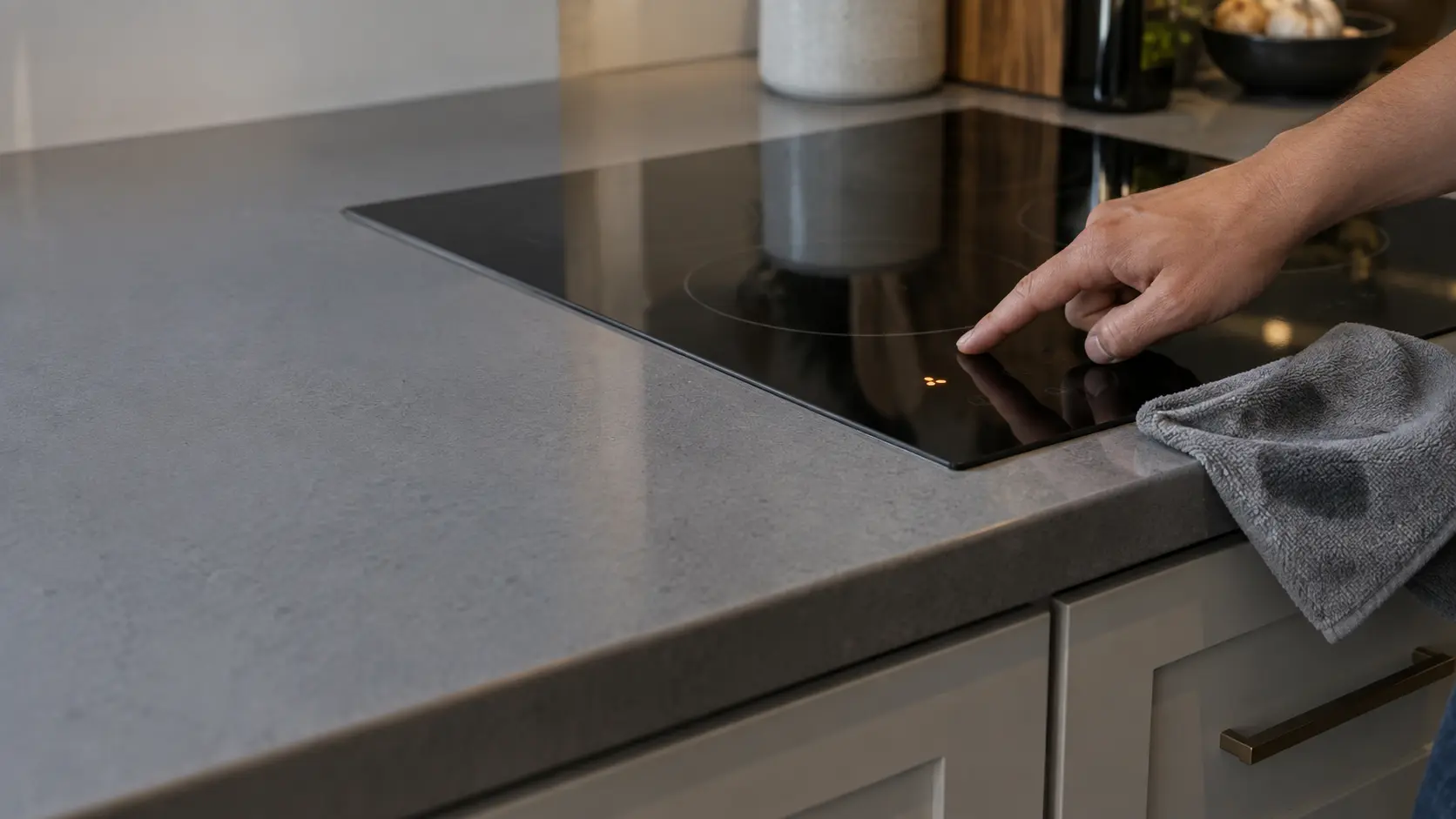
Cooktop Controls Unresponsive
5 causes, cheapest first
No repair indicated
Nothing to repair.
A state the cooktop was put in, or one it picked deliberately — a child lock, a demo mode that lights the keys but heats nothing, a residual-heat letter over a zone that is still warm, a prompt that no pan has been found. Nothing has broken and no part is called for.
Hestan
cooktops.
A California maker of pro-style gas cooking, with rangetops for the home kitchen.
Hestan cooktop repairMore Hestan codes
Mode, not a failure on other makes
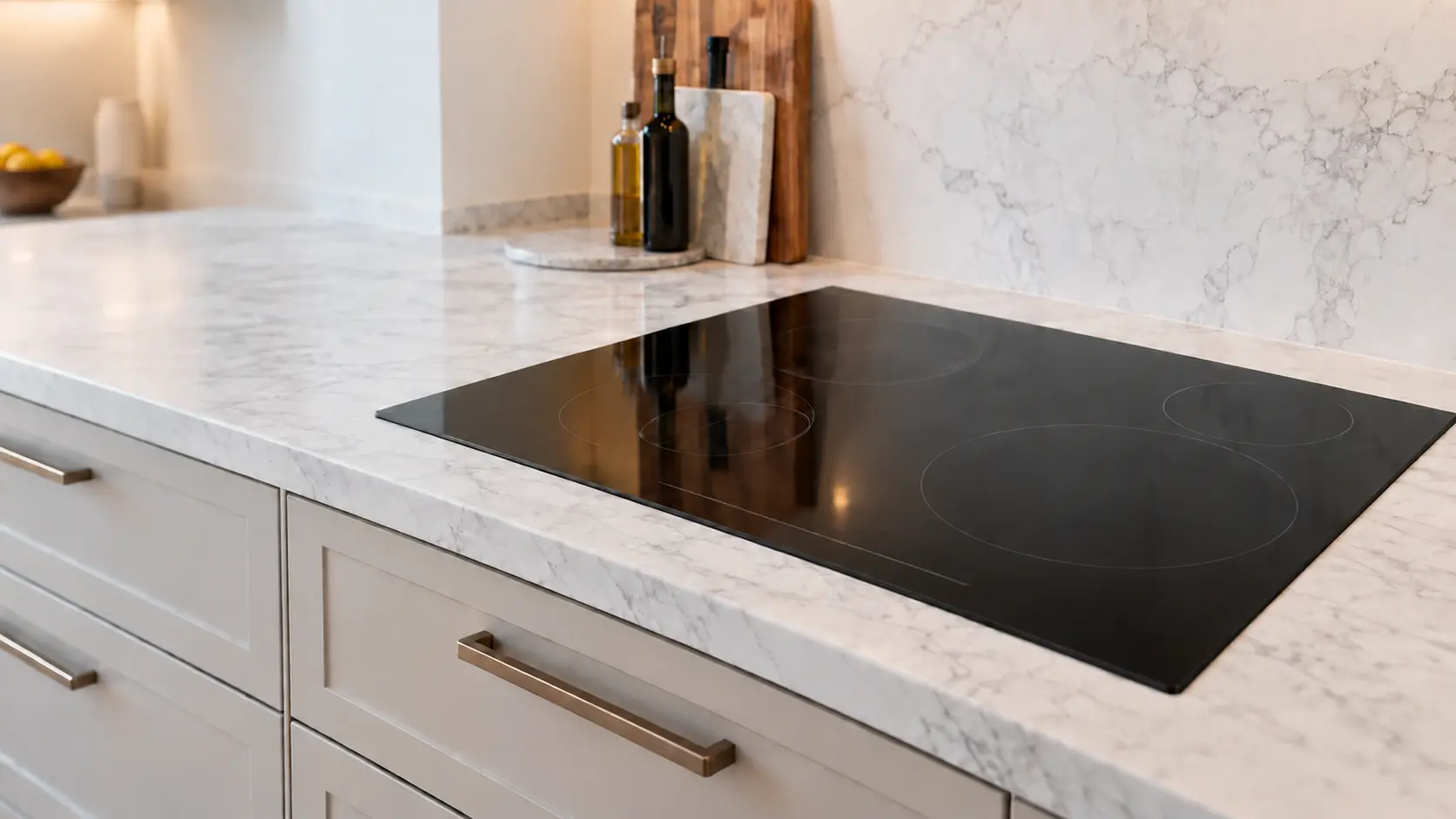
Induction cooktop
A glass cooktop in the counter that heats the pan itself through magnetic coils, run by power boards and cooled by a fan underneath.
Rangetop
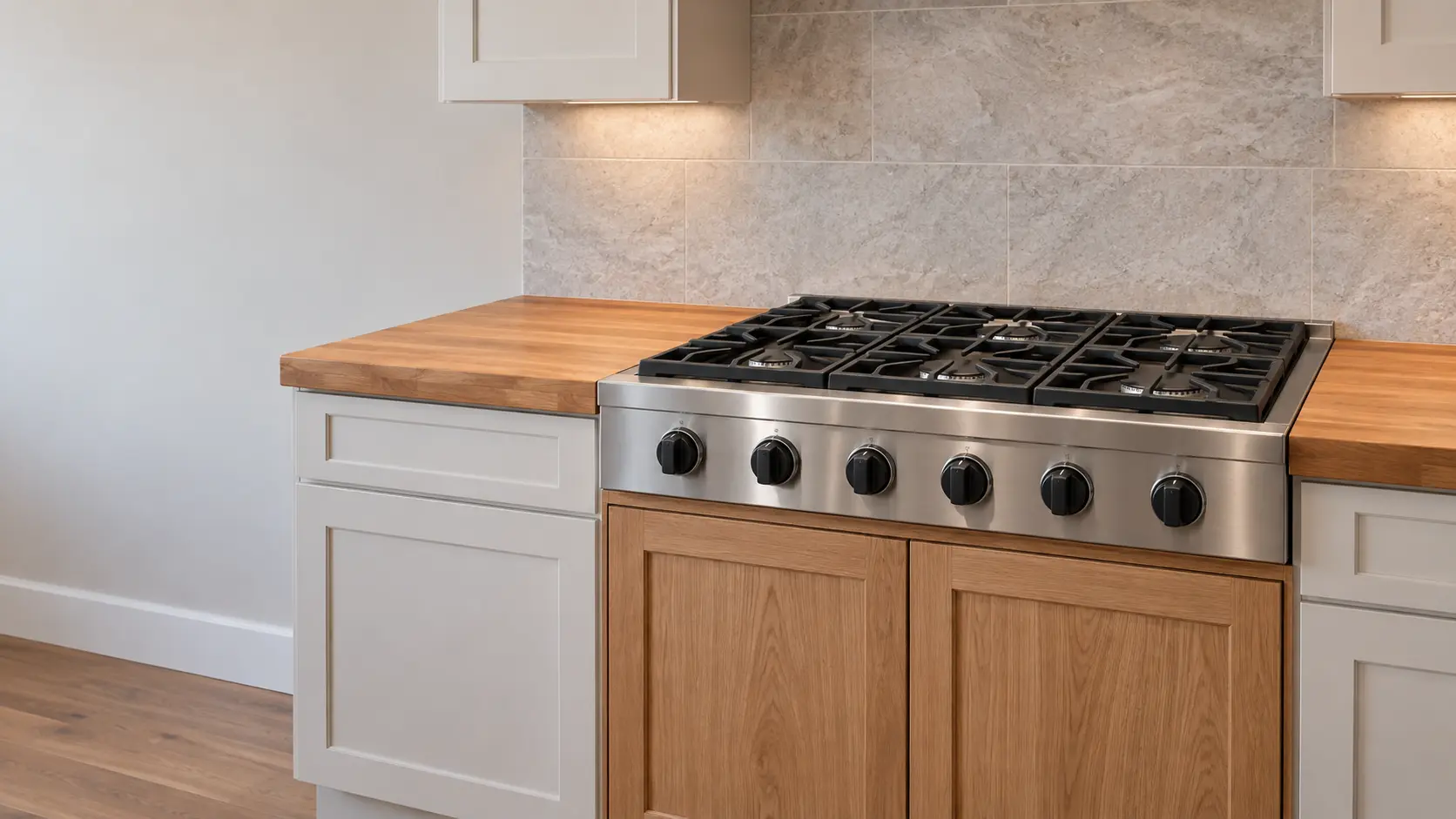
A pro-style gas cooking top with its knobs across the front, set into a notch above a base cabinet, often with a griddle or char-broiler beside the burners.
In Hestan's own words
ER09 - Failed to connect to update server
Every code on this site is taken from the manufacturer's documentation, never from a forum or a parts listing. Hestan KRTS smart rangetop, Smart Burner only; the KRTS is not in Hestan's 2026 indoor catalog. KRT rangetops without the Smart Burner show no ER codes.
Hestan ER09 cooktop repair,
where we come out.
The same visit in every metro below: the code, the model number, and a diagnosis before any part is ordered.
All service areasTampa BayFL · 31 areas
Miami / South FloridaFL · 47 areas
New York MetroNY · 75 areas
HoustonTX · 36 areas
ChicagoIL · 50 areas
Los AngelesCA · 95 areas
San DiegoCA · 31 areas

Questions
about ER09.
Can I clear ER09 myself?
Does ER09 stop my Hestan rangetop from cooking?
What if ER09 keeps showing?
Does ER09 on a Hestan KRTS smart rangetop mean an update failed?
Back to your everyday
Still showing ER09?
Book with the code copied exactly, the full model number, and whether there is any smell of gas or burning — with a code in hand, that is where the diagnosis starts.