
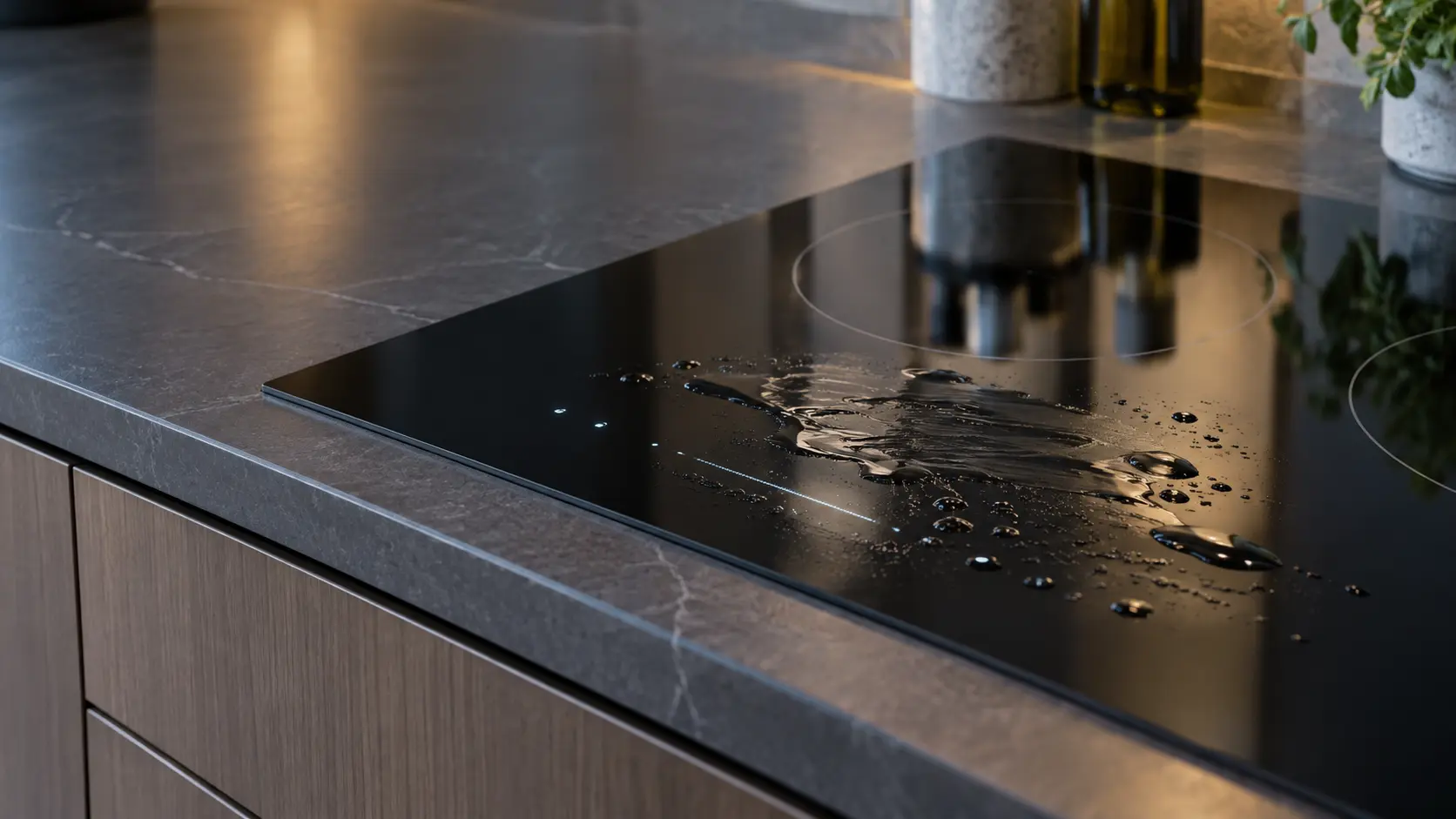

Samsung induction cooktop
showing F2
F2 means the touch-enabled IC, the part that reads your finger on the glass, is communicating abnormally.
Mon–Sat, 8am–8pm
- Touch controls and keys
- Touch control repair
- Source: Samsung
Book a visit
Three short steps, about a minute.
or call (844) 252-4077
Loading appointment form…
The appointment form couldn’t load. Please try again.
What F2
actually means.
F2 means the touch-enabled IC, the part that reads your finger on the glass, is communicating abnormally.
Samsung cooktop display
What to do when F2 shows on the cooktopKind of codeTouch controls and keys
A key on the glass was held down too long, pressed with nothing there, or stopped answering altogether. Water, a spill or a pan resting on the key strip is ruled out first, then the touch board and its ribbon cable. If a zone keeps heating while the keys are dead, switch the cooktop off at the breaker.
Usually leads toTouch control repair
Glass touch keys and sliders that ignore a finger, start zones by themselves or stay locked, traced to the keys, the control board or the lock setting.
Shows up asCooktop Controls Unresponsive
Touch keys or a slider do nothing, the display lights but ignores every press, or a knob turns without starting its burner or element.
MakeSamsung
A Korean electronics maker that sells built-in cooktops in the US, induction among them.
SourceSamsung NZ30A3060UK induction cooktop user manual (English), Information codes
Printed in the information code tables of Samsung's manuals for the NZ30A3060UK and NZ30K7880US induction cooktops (both carry a U.S.A. warranty page).
Before you book,
in this order.
Each step comes from Samsung's own guidance for F2 on its cooktops. Follow it to the end: the last card says whether this is a visit.
Restart with the Power key, then cut power for more than 30 seconds if F2 stays.
Wipe the control area dry before restoring power so the touch panel starts from a clean surface.
Book a visit if it returns.
What not to do
F2 is not a stuck key; d0 covers that. It is also not a pan or heating message, since the touch-enabled IC is the part Samsung names.
What you may
notice with it.
The cooktop problems F2 tends to arrive with. Answer these at the cooktop before anyone is booked.
All problems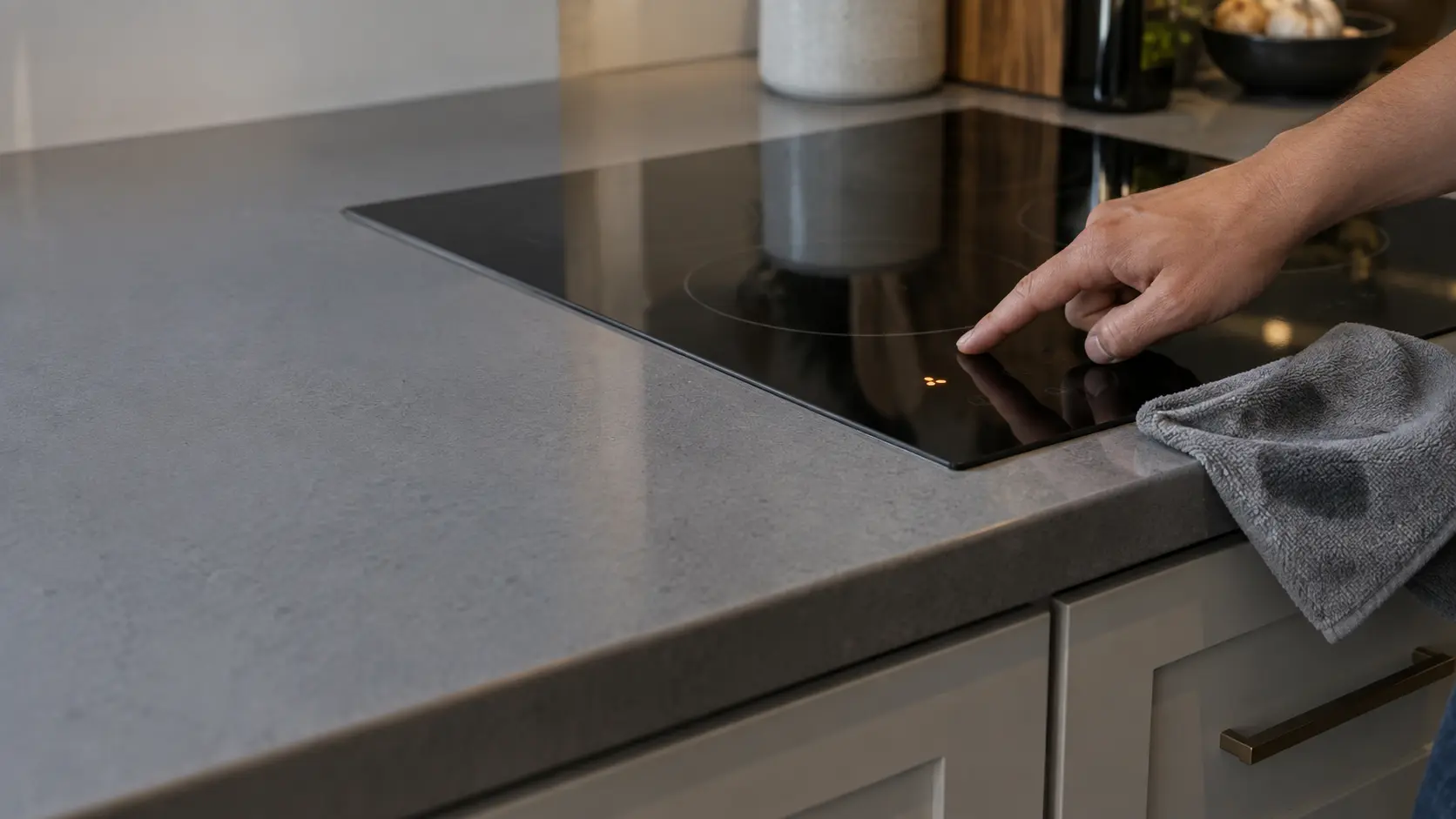
Cooktop Controls Unresponsive
5 causes, cheapest first
Where F2 usually leads
Touch control repair.
Samsung
cooktops.
A Korean electronics maker that sells built-in cooktops in the US, induction among them.
Samsung cooktop repair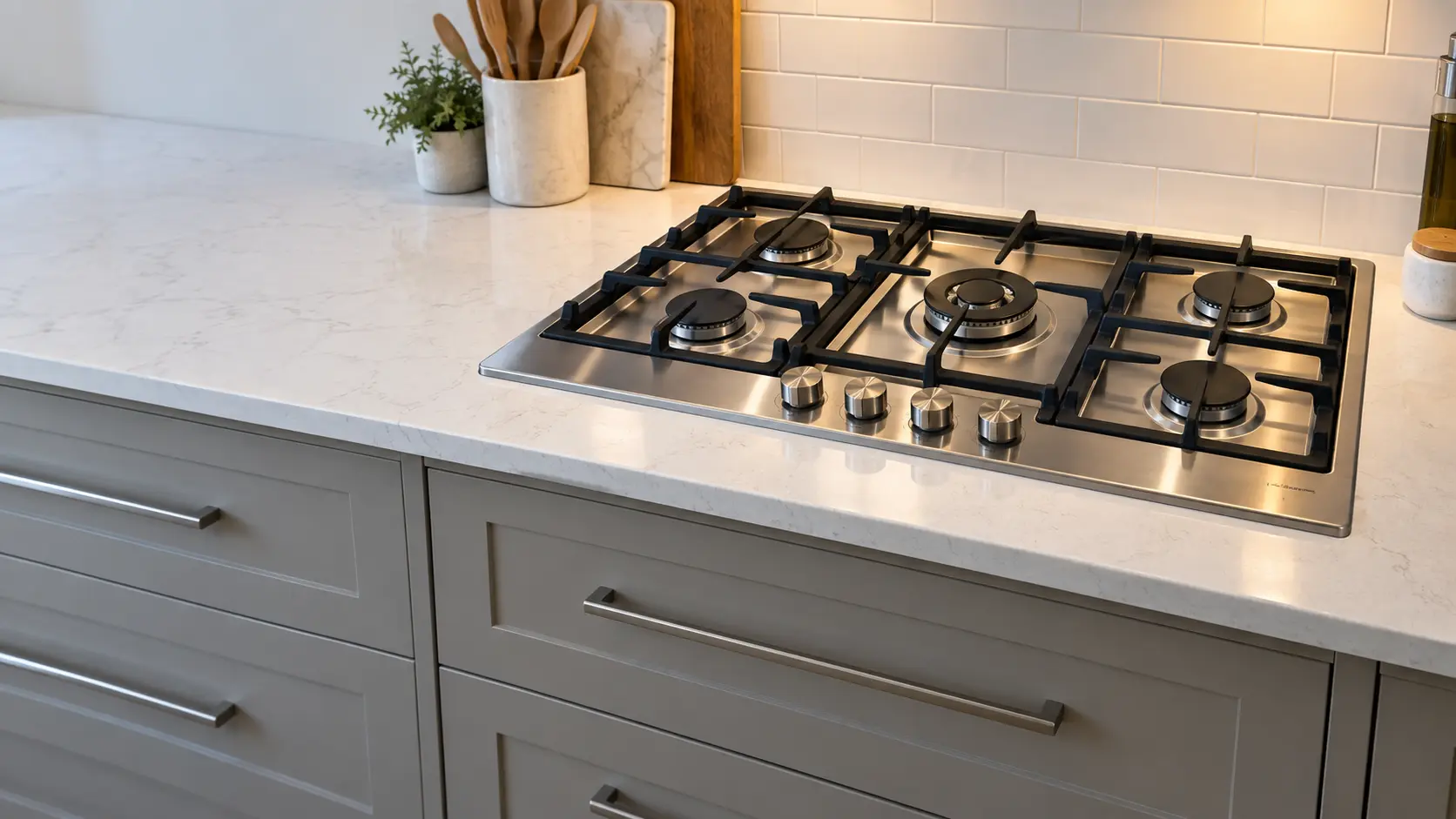
Gas cooktop
A gas cooking surface dropped into a countertop cutout, with its gas line and power cord running down into the cabinet underneath.
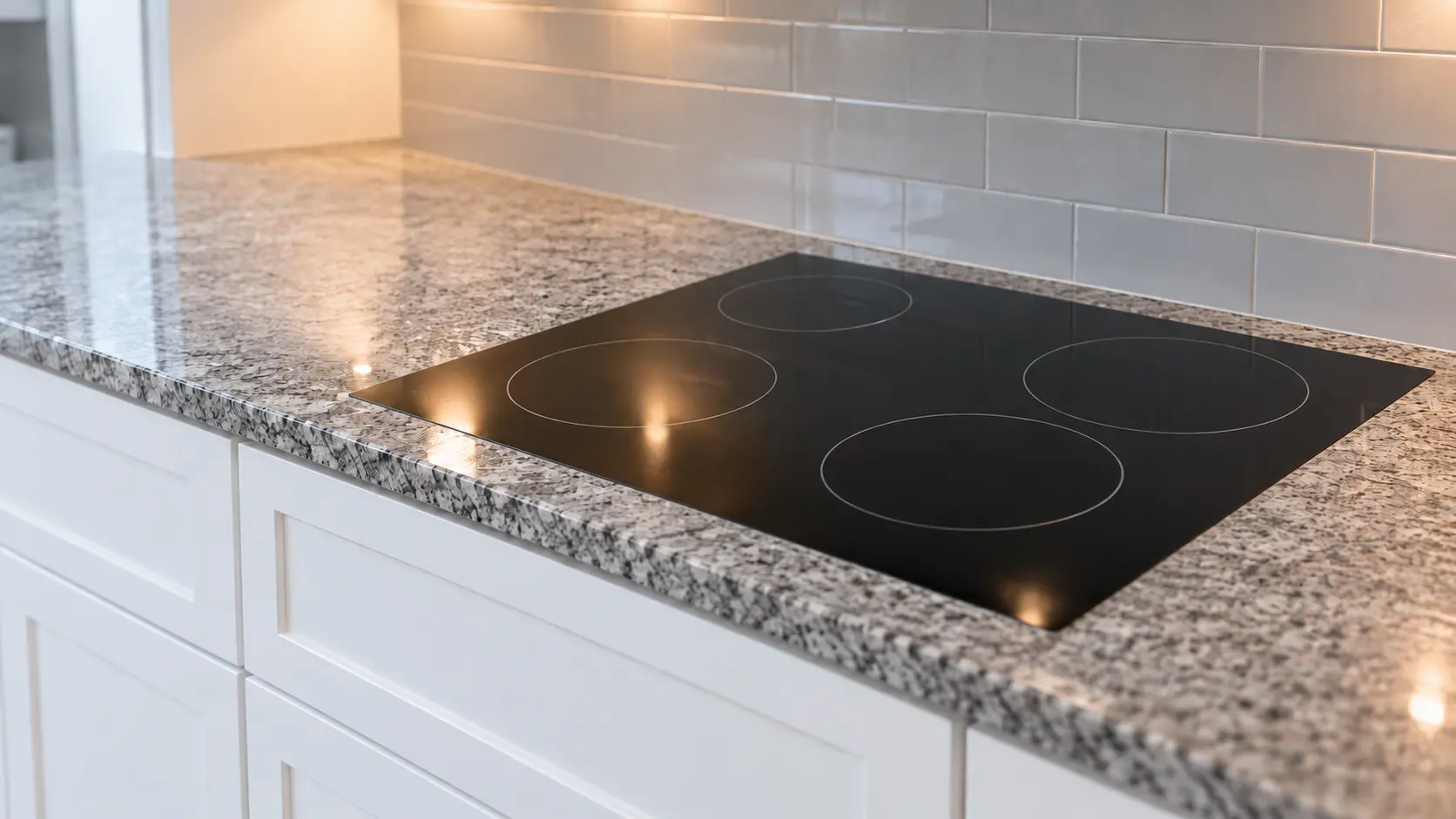
Electric cooktop
A coil or smooth-glass radiant cooking surface built into the countertop and wired to its own circuit in the cabinet or wall behind it.
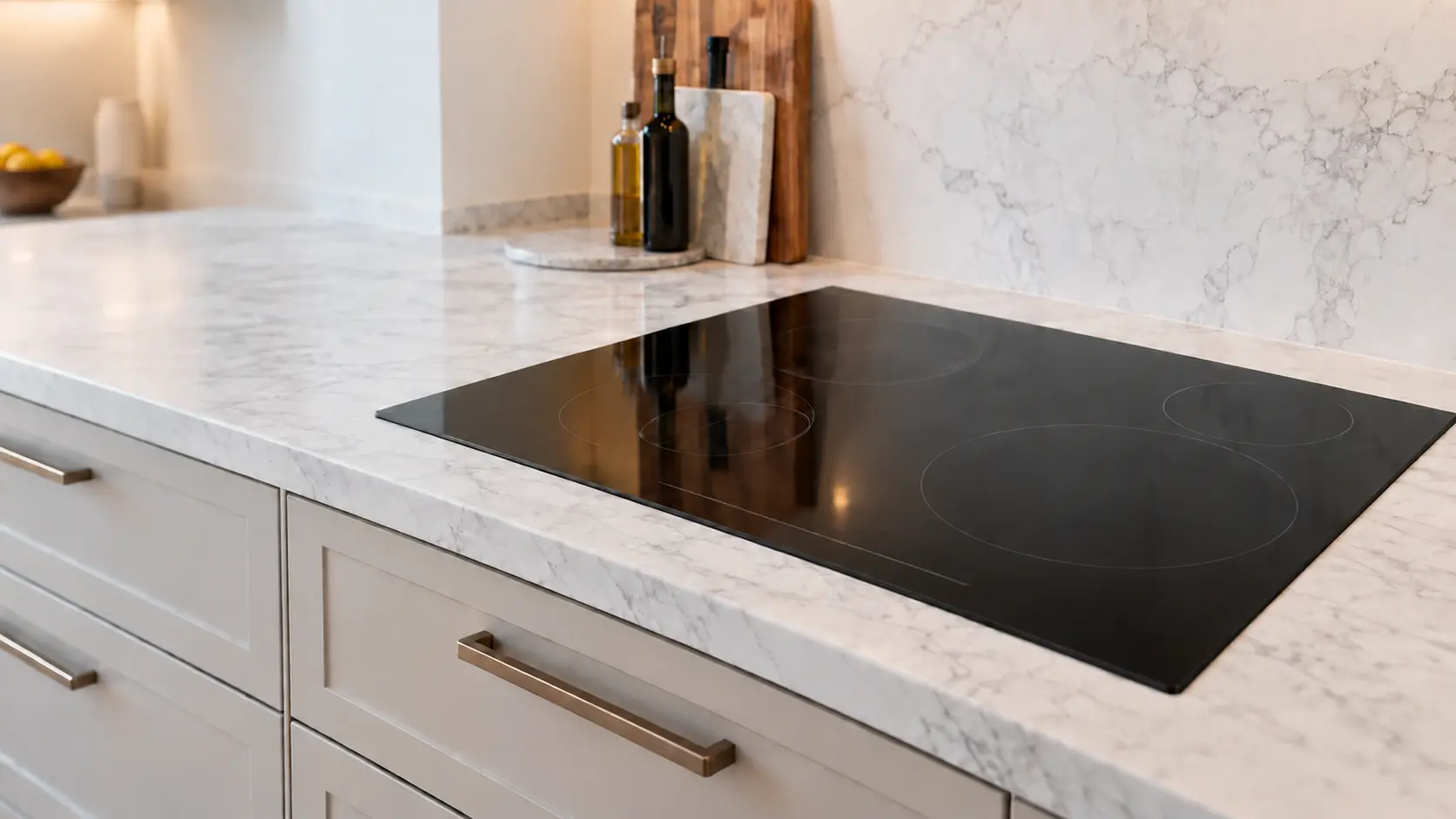
Induction cooktop
A glass cooktop in the counter that heats the pan itself through magnetic coils, run by power boards and cooled by a fan underneath.
In Samsung's own words
The touch-enabled IC communicates abnormally.
Every code on this site is taken from the manufacturer's documentation, never from a forum or a parts listing. Printed in the information code tables of Samsung's manuals for the NZ30A3060UK and NZ30K7880US induction cooktops (both carry a U.S.A. warranty page).
Samsung F2 cooktop repair,
where we come out.
The same visit in every metro below: the code, the model number, and a diagnosis before any part is ordered.
All service areasTampa BayFL · 31 areas
Miami / South FloridaFL · 47 areas
New York MetroNY · 75 areas
HoustonTX · 36 areas
ChicagoIL · 50 areas
Los AngelesCA · 95 areas
San DiegoCA · 31 areas

Questions
about F2.
Can I clear F2 myself?
Can a wet panel cause F2 on a Samsung?
What happens at a visit for F2?
Is F2 on a Samsung NZ30 cooktop a problem with the touch chip or with my finger?
Back to your everyday
Still showing F2?
Book with the code copied exactly, the full model number, and whether there is any smell of gas or burning — with a code in hand, that is where the diagnosis starts.